





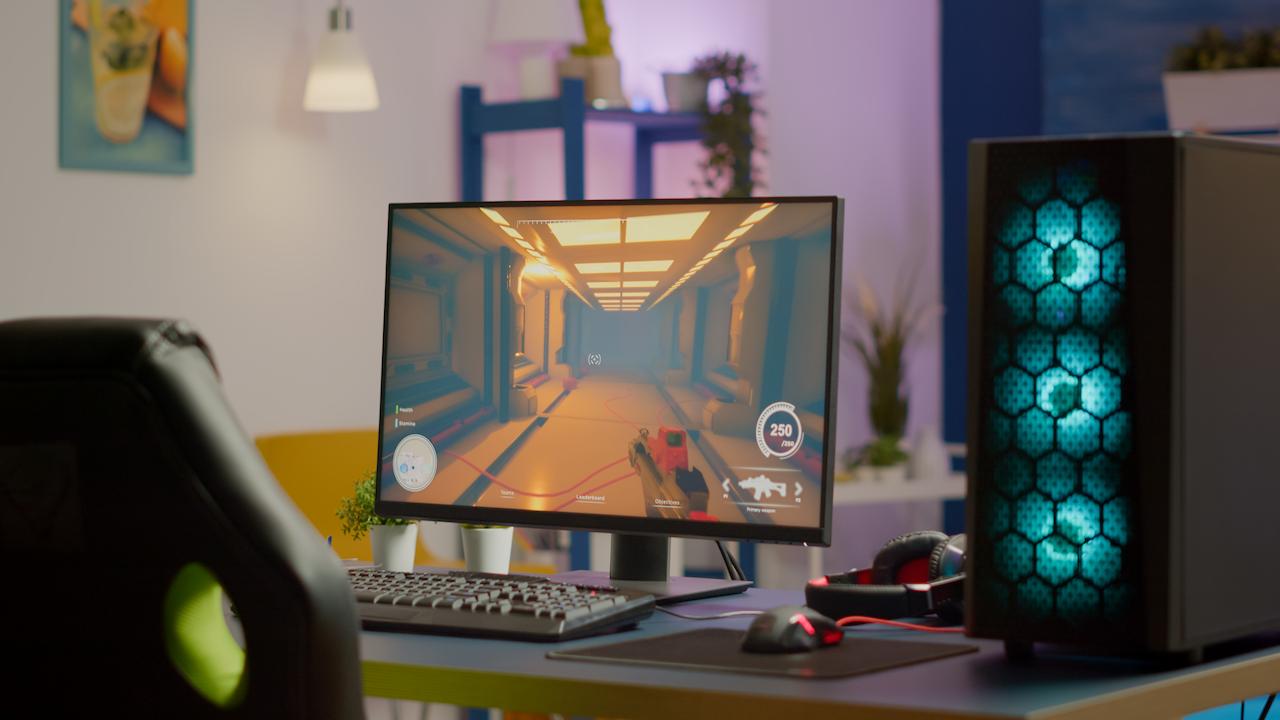
Which liquid cooling should you choose for your CPU and GPU?
21 September 2026
Today's high-performance PCs, especially those designed for demanding tasks such as gaming, video editing or 3D design, get very hot, as the most powerful CPUs and GPUs involve higher temperatures.
To prevent heat from causing performance drops, known as thermal throttling, annoying noise or even damaging the computer's components, it is essential to choose the most suitable liquid cooling.
Below, we review the main issues to take into account to obtain the best performance, durability and user experience.
What is liquid cooling and how does it work?
Liquid cooling consists of using a coolant liquid to absorb the heat generated by the components of any equipment. This type of cooling is more efficient than conventional air cooling using fans. Liquid cooling is more effective in demanding contexts and less noisy, making it the most common option in high-performance equipment.
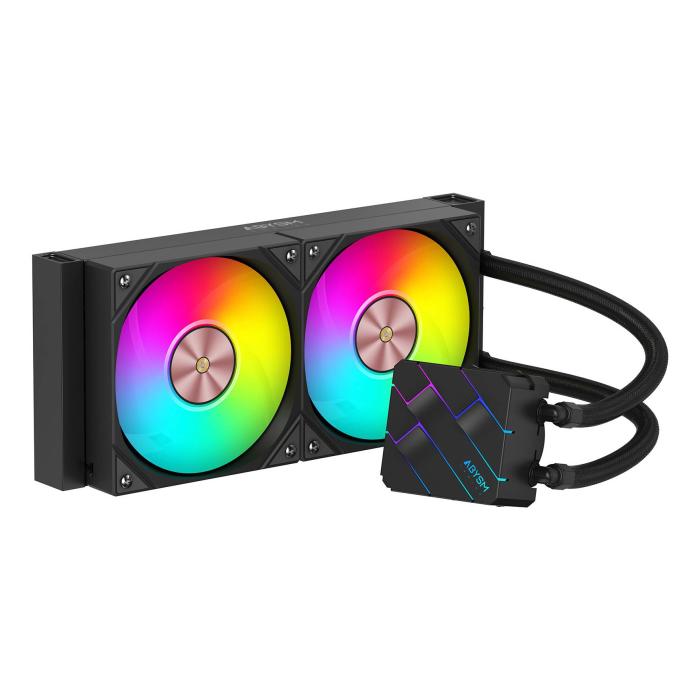
The operation of liquid cooling is based on the use of a water block, which is placed on the CPU or GPU and is responsible for transferring heat to the coolant liquid, a pump that is responsible for making the liquid circulate through a circuit of tubes, and a radiator that dissipates the heat.
Types of liquid cooling
Although the principles of liquid cooling are always the same, there are different types.
AIO (All In One) liquid cooling
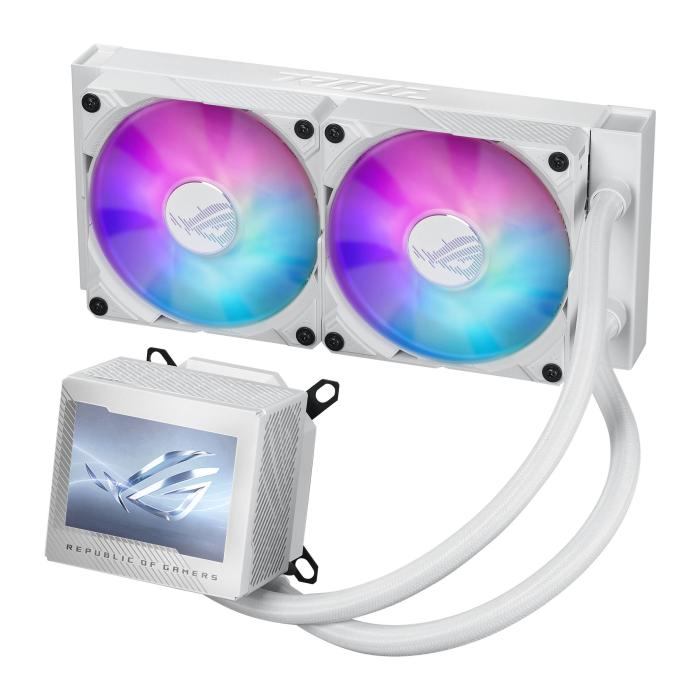
AIO or All in One systems come factory-sealed and ready to install. Among their advantages, their simple installation, minimal maintenance, high compatibility with current CPUs and, in general terms, a good quality/price ratio stand out. However, customisation possibilities are limited and their performance is limited compared to advanced custom loops.
This system is suitable for gaming users, content creators and, in general, people looking for a highly efficient and simple solution. m
Custom Loop liquid cooling
The Custom Loop is a customised solution tailored to the needs of the CPU, GPU and other components, with a single circuit for the whole system.
It offers maximum thermal performance and an incomparable aesthetic, as well as being extremely quiet even under extreme loads. However, it requires some maintenance, and entails a high cost as well as a more complex installation.
It is an ideal solution for overclockers and people looking for the most advanced system possible.
Why does it matter to choose according to CPU and GPU?
Each component has a TDP or Thermal Design Power that indicates the amount of heat it generates under load. The higher the TDP, the greater the thermal demand and, therefore, more powerful cooling will be needed.
An office PC is not the same as equipment for intensive gaming, professional editing or overclocking.
Practical guide: Which cooling should you choose according to your CPU?
Depending on the use it is given and the approximate TDP, a specific cooling is recommended:
-
Office use (65 W): air cooling or 120 mm AIO.
-
Gaming use (65 W - 105 W): 240 mm AIO.
-
Gaming and editing (105 W - 150 W): 280 mm to 360 mm AIO.
-
Overclocking (>150 W): 360 mm AIO or Custom Loop.
Some examples of high-end ranges would be: RTX 4070, RTX 4080, RX 7900 XT.
Most modern AIOs include kits for various sockets, but it is advisable to check this before buying a specific model.
Practical guide: Which cooling should you choose according to your GPU?
Modern high-end GPUs can generate a lot of heat. In most cases, their stock cooler is sufficient, but it may be advisable to reinforce it.
When does a GPU need liquid cooling?
In quiet systems, stable overclocking, cases with low airflow or extreme configurations, liquid cooling is recommended for the GPU, which can prolong the system's useful life, minimise noise and guarantee optimal performance.
Available options
There are hybrid systems with AIO, the simplest option, and Custom Loop for maximum performance.
When is a custom loop worth it?
A custom loop is justified when seeking the best possible thermal performance, when wanting to cool both CPU and GPU with the same circuit, when aesthetics are a priority or when intensive overclocking is practised.
Comparison: AIO vs Custom Loop
Therefore, Custom Loop is a solution for those seeking very high thermal performance and a minimum noise level, which implies very high durability, but also a high price. In addition, installation is more complex and requires regular maintenance.
For its part, AIO cooling is simpler and its cost is more affordable, with sufficient performance for most configurations, and simpler installation and maintenance.
Buying tips and compatibility
It is necessary to take into account the size of the radiator so that it fits in the case, as well as its location to guarantee good airflow.
As for compatibility, it is necessary to check support for the motherboard and RAM.
Recommended products according to your configuration
Some indicative options of recommended products according to the PC configuration:
-
240 mm AIOs for standard gaming and 360 mm for high-TDP CPUs.
-
Custom kits, ideal for CPU + GPU in premium equipment.
Waterblocks for GPU, model-specific to ensure maximum performance.
Latest posts

Philips 7000/12: 43" 4K Smart TV with Wifi | Probyte
26 September 2026
Introduction The Philips 7000/12 is a 43-inch (109.2 cm) television that combines 4K Ultra HD resolution, Wifi connectivity and Smart TV features in an elegant black design. If you're looking for a
Read more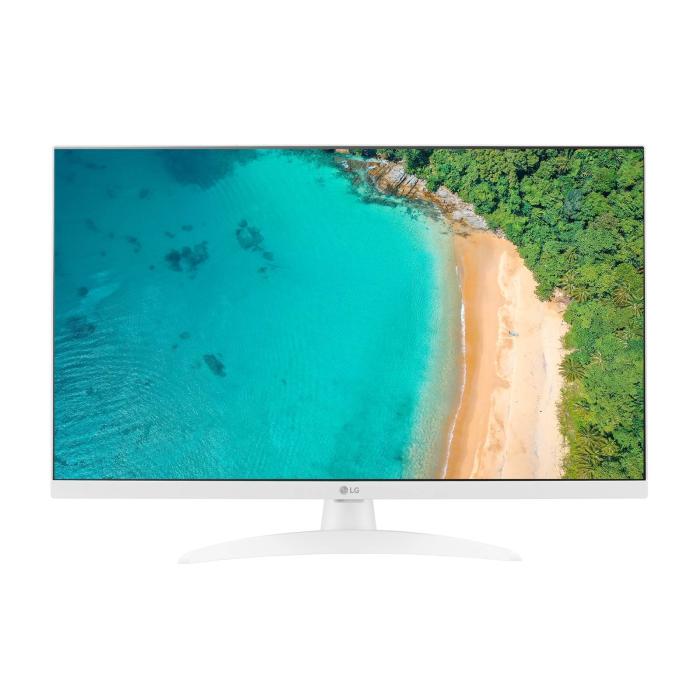
LG 27TQ615S-WZ Smart TV 27'' Full HD | Probyte Deal
26 September 2026
Looking for a compact TV with all the features of a larger model? The LG 27TQ615S-WZ packs 27 inches, Full HD, webOS and WiFi into an elegant white design for kitchens and bedrooms.
Read more
16GB vs 32GB vs 64GB RAM: which is worth it?
21 September 2026
More isn't always better: choosing the right RAM depends on how you use your PC, not just on having more capacity. The key is balancing performance, usage and future-proofing to avoid paying over the odds.
Read more