





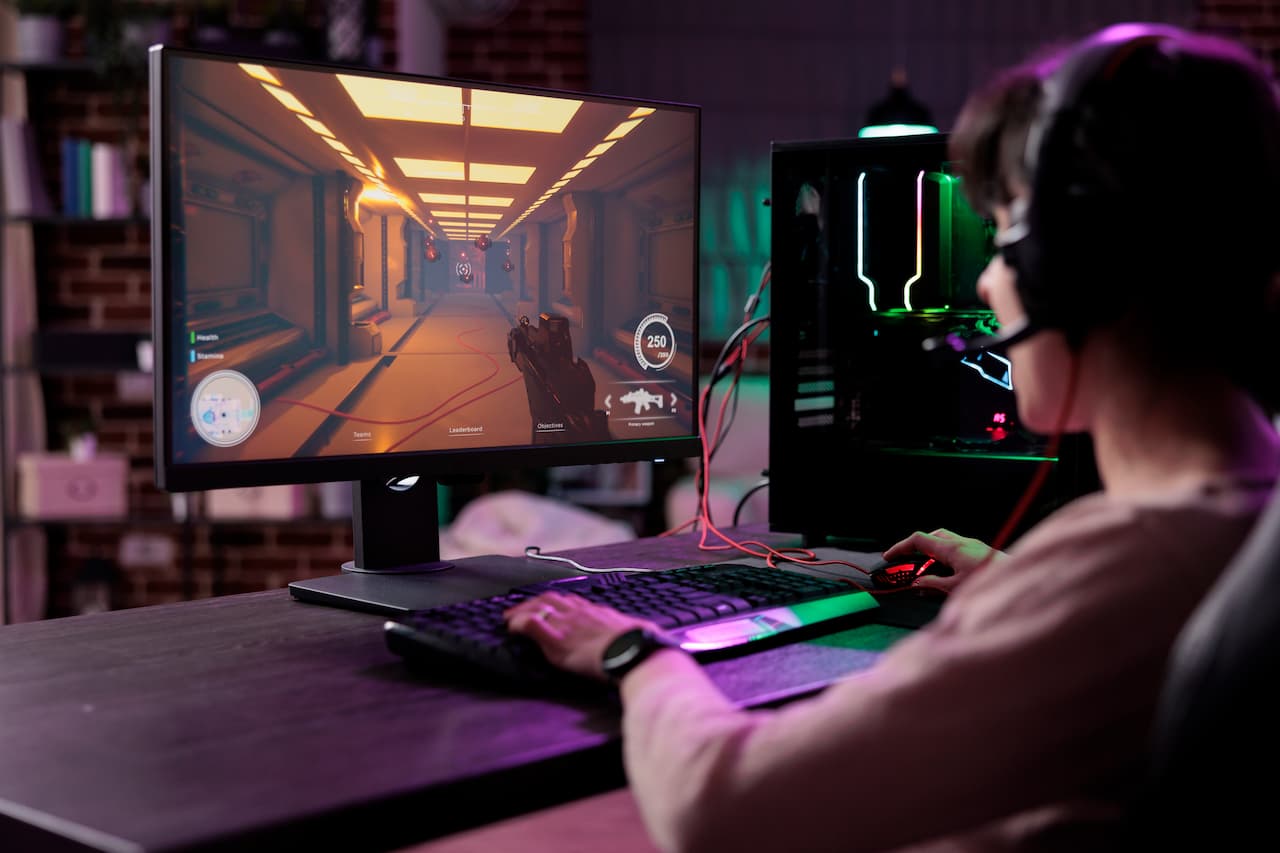
How to increase FPS and improve your PC's performance by changing the RAM
21 September 2026
People who play on PC often encounter performance problems, such as FPS drops, microstuttering or stutters at key moments in the game, something that can completely ruin the experience.
To solve this and play smoothly on PC, even with demanding games, it is essential to determine the origin of the problem. Often, people automatically think of the graphics card, but it can also be the case that the component responsible is the RAM.
In this article, we review whether RAM really influences FPS and how to recognise which component of the system each type of performance problem comes from, something that will help you choose the best configuration to improve your PC's performance.
Does RAM really affect FPS?
The first thing is to be clear about what it is. RAM is the memory in which the system stores the temporary data that is needed immediately. In a game, this could be textures, maps, physics, scripts… The faster it is, the smoother the system's operation will be.
In gaming, we generally have three basic pillars of performance: the CPU (the processor, which handles logic, physics and calculations), the GPU (the graphics card) and the RAM, which feeds data to the CPU and GPU.
Depending on the type of game, CPU-bound or GPU-bound, RAM may have a greater or lesser influence. In cases where the processor limits performance, the role of RAM is more relevant than when the graphics card is the problem.
Therefore, RAM influences FPS when the game depends heavily on the processor, when a lot of simultaneous data loading is required, or when the memory is insufficient or slow.
When RAM becomes the bottleneck
RAM starts to limit your PC when it approaches 90% usage or even reaches 100%. At that moment, the system resorts to the hard drive or SSD, which usually causes stutters.
Some common situations in which this can happen are when the game is combined with streaming, the use of Discord or Chrome, while many applications are open in the background, or with modern games that consume more than 16 GB.
The signs that RAM is the bottleneck in these cases would be constant microstuttering, FPS drops when loading new areas, textures that take time to appear, or stutters when moving around open maps.
8GB vs 16GB vs 32GB: how much RAM do you need to play?
The most suitable RAM for a PC will depend on the use it will be given.
Nowadays, 8 GB is not enough for a PC that will be used for gaming, even when facing mid-range games. Many current titles already exceed that consumption, and with other applications open it would be very difficult to manage.
Currently, the standard is 16 GB, which is a good configuration for most players, with good smoothness and sufficient capacity to support multitasking.
For those looking for a gaming PC with better performance, 32 GB may be more suitable. They are perfect for very demanding games, also for combining with streaming, for editing or for those who usually use several demanding programs at once.
The difference in RAM will be noticed above all in open-world games, which require a greater data load, simulators and strategy games, and gaming with multitasking.
Single Channel vs Dual Channel: the mistake that reduces your FPS
Another issue to take into account in the configuration is whether to opt for a single RAM module or several.
Single channel consists of installing a single RAM module. For example, one of 16 GB.
Dual channel, meanwhile, consists of using two identical modules (for example, two of 8 GB each), which allows for greater bandwidth. Thus, dual channel can improve performance by between 10% and 25% in some games, especially in CPU-dependent scenarios.
Therefore, in addition to choosing the desired capacity, it is important to bear in mind that the dual channel configuration can be a simple and effective improvement. This means that, between installing two 8 GB modules or one 16 GB module, the first configuration would work better.
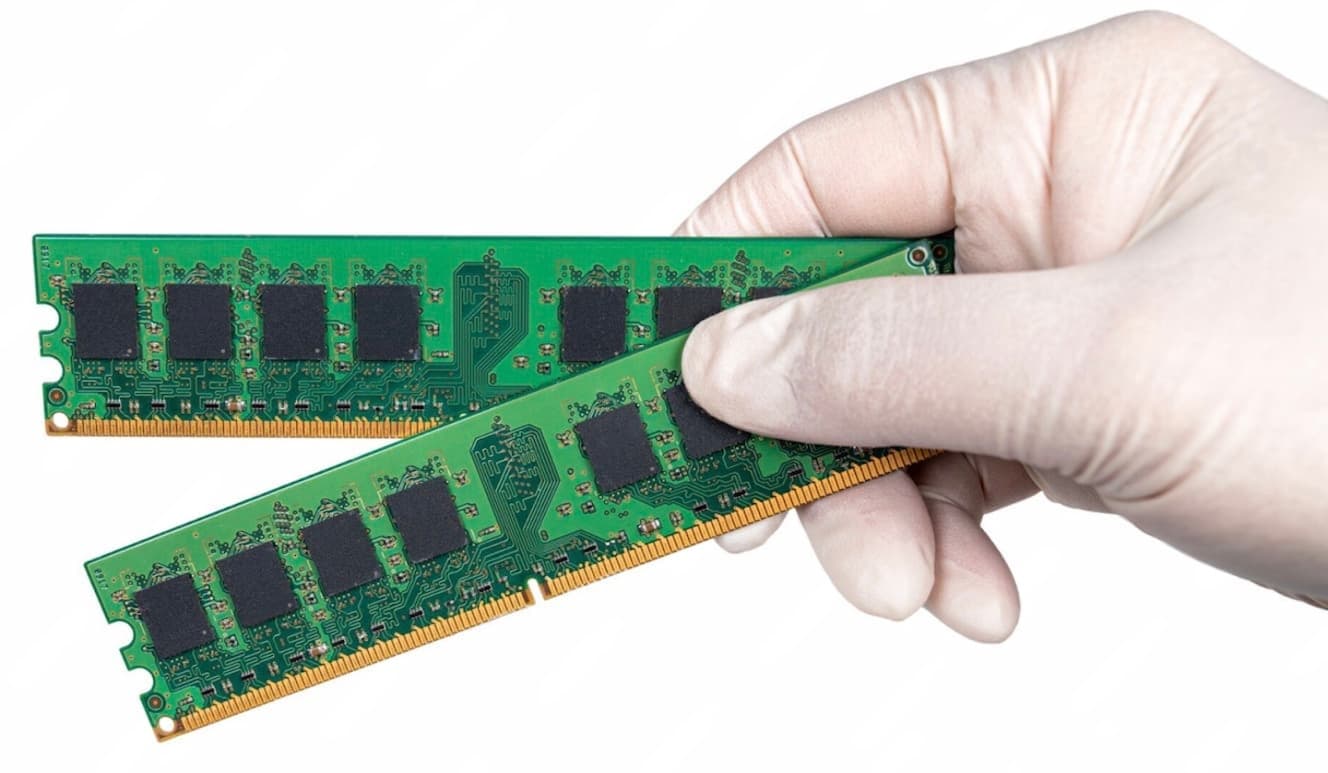
Frequency and latency: how they influence performance
The speed of RAM is indicated by the frequency (MHz). The higher the frequency, the more data is processed per second.
The latency of RAM (CL), meanwhile, is the time it takes for RAM to respond. The lower it is, the better.
Generally speaking, a frequency of 3200 MHz would be a good standard in DDR4. If what you are looking for is an optimal point that balances performance and price, 3600 MHz is ideal. In DDR5, lastly, 6000 MHz is ideal if what you are looking for is very high performance.
Taking the above into account, a good option in DDR4 would be 3600 MHz CL16 RAM, while in DDR5 you could opt for 6000 MHz CL36.
How to know if you need to expand your RAM
You can very easily check whether you should consider expanding your RAM.
-
Go to the task manager while you are playing. If the RAM is between 90% and 100%, you need to expand it.
-
If you notice microstuttering often.
-
If the game's textures load with delay.
-
If the FPS are unstable.
In any of these scenarios, expanding the RAM should give you smoother operation.
Which RAM to choose according to your budget
A balanced budget configuration would be 16 GB (2x8 GB) DDR4 3200 MHz RAM.
If what you are looking for is an optimal gaming configuration, the ideal would be to go for 32 GB (2x16 GB), DDR4 3600 MHz, which would provide good performance in relation to price.
For high performance, the ideal configuration would be 32 GB (2x16 GB) in DDR5 6000 MHz or higher.
Frequently asked questions
Does more RAM give more FPS?
Not always. It only improves FPS if the current RAM is insufficient or limits the system.
Is 16GB enough for gaming?
Generally, yes. However, 32 GB offers greater stability in modern games.
Is 2x8GB or 1x16GB better?
2x8GB. Dual channel undoubtedly improves performance
Does RAM frequency affect FPS?
Yes, especially in processor-dependent games.
Does DDR5 improve FPS compared to DDR4?
In some cases yes, but the difference is not always big. DDR5 stands out more for its future-proofing and efficiency.
Latest posts
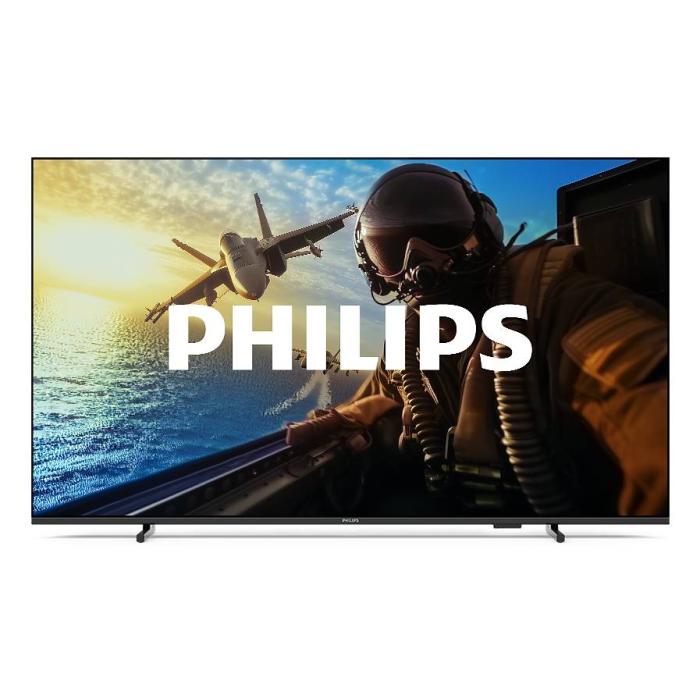
Philips 7000/12: 43" 4K Smart TV with Wifi | Probyte
26 September 2026
Introduction The Philips 7000/12 is a 43-inch (109.2 cm) television that combines 4K Ultra HD resolution, Wifi connectivity and Smart TV features in an elegant black design. If you're looking for a
Read more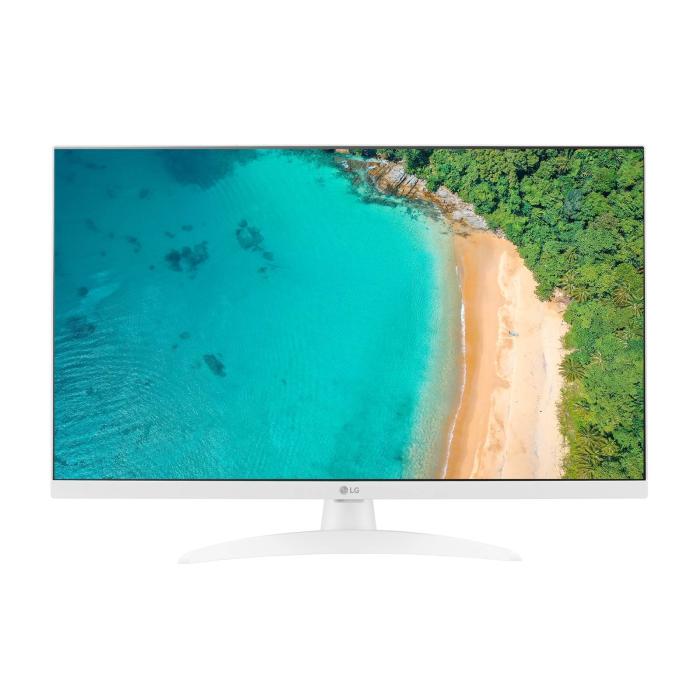
LG 27TQ615S-WZ Smart TV 27'' Full HD | Probyte Deal
26 September 2026
Looking for a compact TV with all the features of a larger model? The LG 27TQ615S-WZ packs 27 inches, Full HD, webOS and WiFi into an elegant white design for kitchens and bedrooms.
Read more
16GB vs 32GB vs 64GB RAM: which is worth it?
21 September 2026
More isn't always better: choosing the right RAM depends on how you use your PC, not just on having more capacity. The key is balancing performance, usage and future-proofing to avoid paying over the odds.
Read more