





What Power Supply Does My PC Need? PSU Wattage Guide
29 July 2026
The PC power supply (PSU) is the heart of your computer: it converts AC mains power into stable power for every component. Choosing the right wattage doesn't just guarantee optimal performance — it also protects your investment against spikes and failures. In this definitive guide we break down what watts are, how to calculate them based on your hardware, which efficiency certifications exist (80 Plus) and how to avoid the most common mistakes. Whether you're building a gaming PC, a workstation or an office machine, here you'll find everything you need to get your PSU right. At the end, we tell you exactly what to look for when buying the best power supply at Probyte.
What are watts in a power supply?
A power supply's output is measured in watts (W) and indicates how much power it can deliver to your computer's components. Understanding the difference between rated, peak and actual power is essential to choosing the right unit.
Rated power
Rated (nominal) power is what the unit can deliver continuously. It's the figure that appears in the specifications and in the model name (650W, 850W…).
Peak power
Peak power is what the unit can deliver for very short periods, usually at startup or during intense load peaks. This matters so the system can power on and ride out load spikes without shutting down.
Actual power
Actual power is what the unit delivers under normal operating conditions. It varies depending on your computer's configuration and how you use it: browsing draws little; rendering or gaming, much more.
To calculate the power you need, consider each component's consumption: motherboard, processor, graphics card, drives and fans. That way you can choose a power supply that suits your needs and guarantees stable, efficient operation.
How many watts do I need? Calculate the ideal power
To determine how many watts your computer needs, focus on the components that draw the most: the CPU and, above all, the GPU. Here's how to work it out step by step.
Step 1: identify the components that consume the most
- CPU: consumption varies by model. High-end CPUs can exceed 125 watts.
- GPU: dedicated gaming graphics cards typically range from 150 to 350 watts depending on the model and load.
Step 2: add up the total power
Add up the power of your CPU, your GPU and the rest of the components (drives, SSDs, fans, motherboard). An example for a gaming build:
- CPU: 125 watts
- GPU: 250 watts
- Other components: 100 watts (approximate)
- Total: 475 watts
Practical examples
- Office use: for office work, browsing and email, a 300-400 watt power supply is usually enough.
- Gaming: with a dedicated GPU, the recommended starting point is 650 watts, depending on the power of the graphics card and the rest of the system.
Final considerations
Always leave a safety margin of 20-30% over the calculated total: modern GPUs generate transient power spikes far above their average figure, and that margin prevents shutdowns and keeps the PSU in its efficiency zone. 80 Plus certifications also matter when choosing, because they affect power consumption and heat output.
80 Plus certifications: efficiency and energy savings
The 80 Plus certification measures a power supply's efficiency: what percentage of the energy it draws from the mains it converts into usable power for the computer, minimising losses in the form of heat.
Certification levels
In Europe, the mains voltage is 230 V, and these are the minimum efficiency levels the standard requires at 50% load (the most common operating point for a well-sized power supply):
| Level | Minimum efficiency at 50% load (230 V) |
|---|---|
| 80 Plus | 85% |
| Bronze | 88% |
| Silver | 90% |
| Gold | 92% |
| Platinum | 94% |
| Titanium | 96% |
At 20% and 100% load, the required minimums are slightly lower for all tiers, and Titanium is the only one also measured at 10% load.
Impact on your electricity bill and durability
A higher certification doesn't just save energy: it also reduces the heat generated, which extends the lifespan of the power supply itself and the rest of the system. In a PC that runs for many hours a day, the jump from Bronze to Gold makes a noticeable difference to your electricity bill over the years.
Power supply types: modular, semi-modular and non-modular
Ease of installation and clean cable management depend on the type of power supply. There are three categories, each with its own pros and cons regarding price, setup and airflow inside the case.
Non-modular power supplies
All cables are soldered directly to the power supply unit and cannot be removed. These are the cheapest, but they force you to manage cables you might not use, complicating assembly and potentially hindering airflow inside the case.
Semi-modular power supplies
An intermediate solution: essential cables (such as the main ATX) are soldered, while the rest are detachable. They offer much cleaner cable management than non-modular units at a reasonable price.
Modular power supplies
All cables can be connected and disconnected as needed: you only install what you require. They are the most convenient to assemble, allow the best airflow and are the go-to choice for windowed cases. The trade-off is that they're typically more expensive.
| Type of power supply | Advantages | Disadvantages |
|---|---|---|
| Non-modular | Lowest price | Trickier installation, worse airflow |
| Semi-modular | Clean cable management at a reasonable price | Some fixed cables |
| Modular | Maximum flexibility, best airflow, easy assembly | Higher price |
Common mistakes when choosing a power supply
One of the most widespread myths is believing that "the more watts, the better". A significantly oversized power supply does not harm your system, but it is a bad investment: it will almost always run at very low loads, outside its maximum efficiency zone. The opposite, however, is a serious problem: falling short causes instability and shutdowns under load.
Overlooking the quality of internal components
Another common mistake is looking only at the price. A cheap power supply may use low-quality internal components that do not offer the necessary stability and reliability, and a PSU failure can take other components down with it. Look for power supplies with quality capacitors and complete protection circuits (we cover this in detail in the next section).
Ignoring certifications and efficiency
Buying without checking the 80 Plus certification also ends up costing you. These certifications guarantee minimum efficiency standards: less consumption, less heat and a longer lifespan for both the power supply and the components it powers.
Key components of a quality PSU
A quality power supply isn't defined solely by its wattage. For stable, durable and safe power delivery, you need to focus on three elements: the capacitors, the fan and the internal protections.
Capacitors: the heart of stability
Capacitors filter current ripple and maintain clean voltage. In a quality PSU, look for:
- Japanese capacitors (Nippon Chemi-Con, Rubycon, Nichicon): longer lifespan and better performance at high temperatures (105 °C rated series). They guarantee stable power delivery.
- Solid capacitors: immune to electrolyte evaporation and with lower internal resistance (ESR), ideal for intense transient loads.
- Avoid generic, unbranded capacitors: they often fail prematurely, causing shutdowns or out-of-spec voltages.
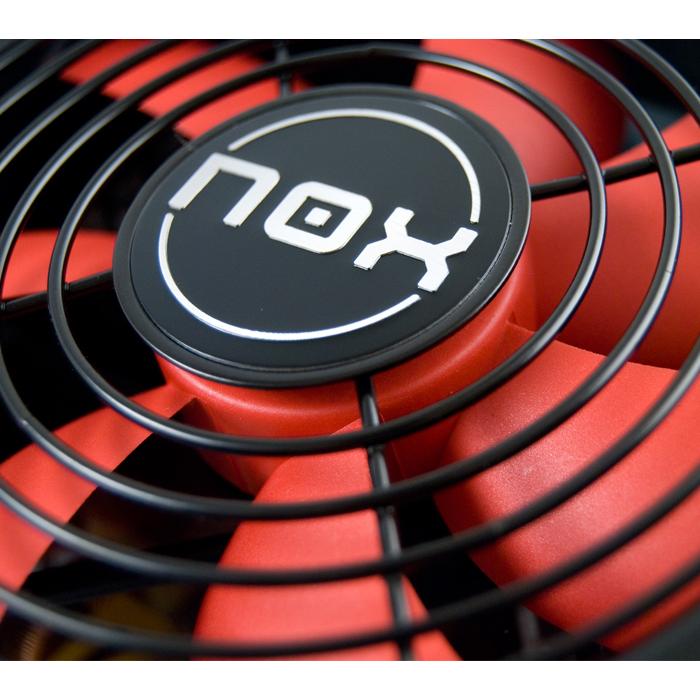
Fan: quiet and efficient cooling
The fan dissipates heat from the internal components. A quality PSU uses:
- Ball bearing or fluid dynamic bearing (FDB): the former is more durable, the latter quieter. Both clearly outperform the sleeve bearing found in cheap power supplies.
- 120 or 140 mm diameter: moves more air at lower RPM, with less noise.
- Semi-passive mode: the fan stops at low loads, keeping the system inaudible at idle.
Internal protections: safety first
Protections are circuits that shut the unit down in case of any anomaly. The essential ones:
- OVP (Over Voltage Protection): cuts power if voltage exceeds the safe limit (e.g., the +12 V rail above ~13.4 V).
- UVP (Under Voltage Protection): activates if voltage falls below the specified level (e.g., +12 V below ~11.4 V).
- SCP (Short Circuit Protection): protects against a short circuit on any rail, preventing catastrophic damage.
- OPP/OCP (Over Power / Over Current Protection): prevent the PSU from delivering more power or current than it can handle.
A quality PSU often also includes OTP (Over Temperature Protection) against overheating. Check that the model lists these acronyms in its spec sheet.
Summary table: what sets a quality PSU apart
| Component | High quality | Low quality |
|---|---|---|
| Capacitors | Japanese or solid, 105 °C rated series | Generic, unbranded |
| Fan | Ball bearing or FDB, 120/140 mm, semi-passive | Sleeve bearing, 80 mm, always spinning |
| Protections | OVP, UVP, SCP, OPP, OTP | Only OVP or SCP (or none) |
| Warranty | 7-10 years | 1-3 years |
Investing in these components doesn't just extend your PSU's lifespan: it protects your entire PC. Prioritise reputable brands that spell out these details in the spec sheet.
Frequently asked questions
Can I use a PSU with more watts than I need?
Yes, no problem. The wattage indicates the maximum the unit can deliver, not what it consumes: your system only draws what it needs. That said, a heavily oversized PSU will run far from its maximum efficiency zone.
What happens if the power supply falls short?
If the PSU can't deliver enough power, you'll see instability, restarts and unexpected shutdowns under load, especially when gaming or rendering. Calculate your system's consumption and leave a 20-30% margin.
How do I know if my power supply is failing?
Strange noises, overheating, sudden shutdowns or boot problems are the usual symptoms. If you notice any of them, replace it as soon as possible: a faulty PSU can take other components down with it.
How important is the 80 Plus certification?
It guarantees a minimum level of energy efficiency: less consumption and less heat. At the same wattage, a Gold unit wastes less energy than a Bronze one and usually uses better components.
Can I improve the efficiency of my current PSU?
No: efficiency is determined by its design and components. What you can do is optimise your system's power draw (power profiles, switching off peripherals you don't use) so the PSU operates in its optimal zone.
Is it safe to use a second-hand PSU?
It's not advisable. Capacitors age, and a used unit can fail without warning, putting the rest of your system at risk. The PSU is the one component where cutting costs can end up being very expensive.
Now that you know how many watts your system needs, choose with confidence. At Probyte you'll find power supplies from proven brands like Corsair — from entry-level models to modular 80 Plus Gold units — with personalised advice. Protect your PC's performance!
Latest posts
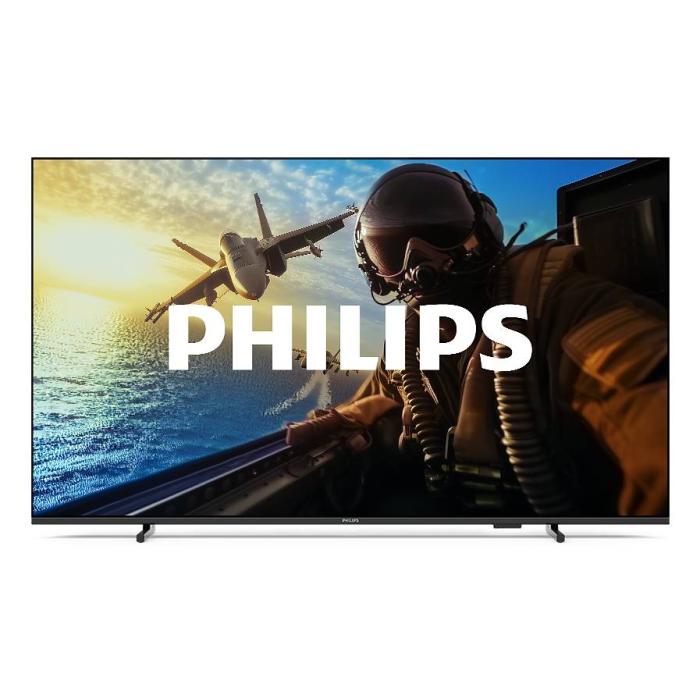
Philips 7000/12: 43" 4K Smart TV with Wifi | Probyte
26 September 2026
Introduction The Philips 7000/12 is a 43-inch (109.2 cm) television that combines 4K Ultra HD resolution, Wifi connectivity and Smart TV features in an elegant black design. If you're looking for a
Read more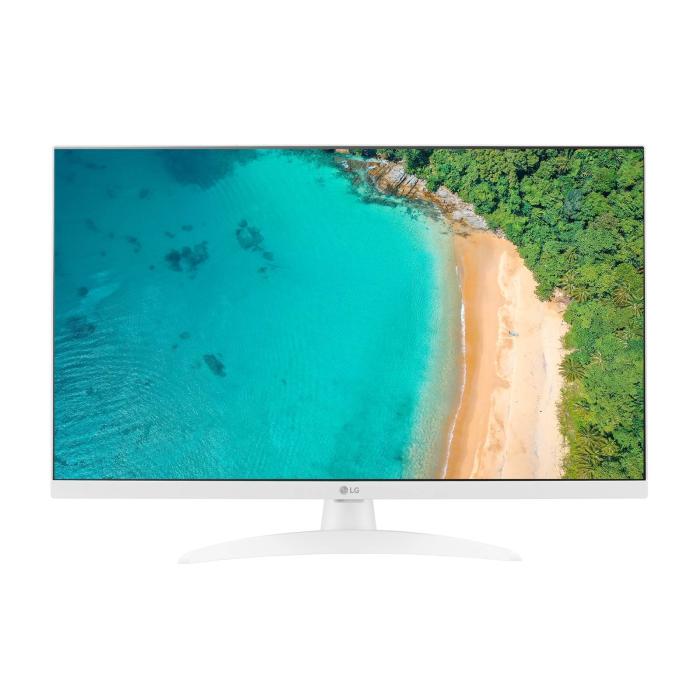
LG 27TQ615S-WZ Smart TV 27'' Full HD | Probyte Deal
26 September 2026
Looking for a compact TV with all the features of a larger model? The LG 27TQ615S-WZ packs 27 inches, Full HD, webOS and WiFi into an elegant white design for kitchens and bedrooms.
Read more
16GB vs 32GB vs 64GB RAM: which is worth it?
21 September 2026
More isn't always better: choosing the right RAM depends on how you use your PC, not just on having more capacity. The key is balancing performance, usage and future-proofing to avoid paying over the odds.
Read more