





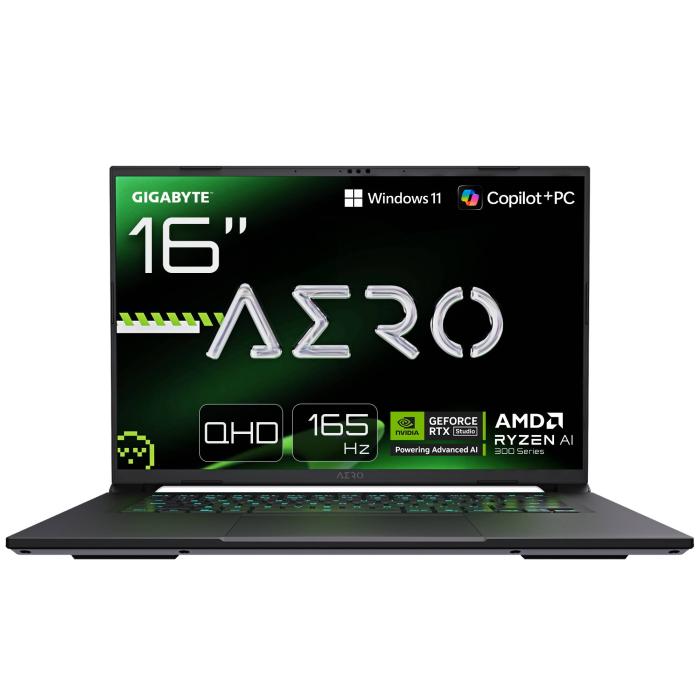
How to choose a gaming laptop: definitive guide 2026
4 September 2026
Choosing a gaming laptop is a tricky decision. There are countless models, prices ranging from €700 to over €3,000, and a whole host of technical specifications that, if you don't understand them, can lead you to spend money on things you don't need or fall short on what really matters.
In this guide, we'll explain step by step, and without unnecessary jargon, how to choose a gaming laptop based on your budget, your favourite games, and how you intend to use it. We'll cover the graphics card, processor, RAM, storage, display, keyboard, and cooling. By the end, you'll have a clear idea of what to prioritise and what you can sacrifice without your gaming experience suffering.
First things first: what type of gamer are you, and how much do you want to spend?
Before looking at specifications, think about what you play and how you play. Playing competitive titles like Counter-Strike 2 or Valorant, where what matters is having a high number of frames per second (FPS), is not the same as playing big single-player titles like Cyberpunk 2077 or Red Dead Redemption 2, where you are looking for graphical quality and a good story.
If you mainly play e-sports
Competitive games are not very demanding on the graphics card, and in general, any laptop with a mid-range GPU and a decent processor will give you over 144 FPS in competitive settings. Here you can save on the graphics card and spend a bit more on a display with a high refresh rate.
If you play single-player AAA titles
Here, the graphics card is king. You need a powerful GPU that can handle the latest releases at high or ultra quality. You will also appreciate a display with good resolution (QHD or even 4K) and a refresh rate of at least 144 Hz so that the image looks smooth.
Indicative budget
Perhaps the most practical thing is to set yourself a realistic spending range. The prices we give you are indicative and may change with offers:
| Tier | Approximate price | Ideal for |
|---|---|---|
| Entry | €700–900 | Light games, e-sports, occasional gaming |
| Mid-range | €900–1,300 | Most games at 1080p high quality |
| High-end | €1,300–1,900 | AAA games at QHD or 4K with good FPS |
| Enthusiast | €2,000 or more | Maximum performance, virtual reality, creators |
With this clear, you can now start looking at specific components.
The graphics card: the heart of gaming performance
The GPU (Graphics Processing Unit) is the most important component in a gaming laptop. It determines the resolution at which you'll be able to play, the graphical quality, and the number of frames per second.
Nvidia GeForce RTX 40 series
From the RTX 4050 to the RTX 4090, all of them offer hardware-accelerated ray tracing and DLSS 3 upscaling, which markedly improves performance. They now sit alongside the newer 50 series, so you will mostly find them on discounted or previous-generation models. Here's a rundown of the laptop versions:
- RTX 4050: ideal for playing at 1080p on high settings. Perfect if you're on a tight budget.
- RTX 4060: the sweet spot. Play at 1080p with everything maxed out, and at 1440p on medium-high settings. It's the most balanced choice for most people.
- RTX 4070: now we're talking serious performance. Perfect for 1440p at high refresh rates.
- RTX 4080 and 4090: beasts at the top of the range. They play at 4K with every graphical option fully enabled.
Nvidia GeForce RTX 50 series
This is the current generation and what most new gaming laptops ship with. It adds DLSS 4 with multi-frame generation and GDDR7 memory. In our catalogue it runs from the RTX 5050 to the RTX 5090: the RTX 5060 is today's balanced pick for 1080p and 1440p, and from the RTX 5070 up there is plenty of headroom for 1440p with ray tracing.
AMD Radeon RX 7000 series
Radeon laptop GPUs compete well with Nvidia in terms of raw performance, although their software ecosystem is somewhat less comprehensive. The RX 7600M models and above offer performance similar to their Nvidia equivalents, sometimes at a lower price.
How much VRAM do you need?
The GPU's video memory is crucial. For 1080p, you need at least 6 GB, although 8 GB is recommended. For 1440p or 4K, look for 8 GB or more, since newer games are quite demanding. Don't skimp here if you want your machine to last several years.
Practical advice
If your budget stretches to an RTX 5070, choose that over an RTX 5060. Games keep becoming more demanding, and having a bit of headroom will save you from having to upgrade within a couple of years.
The processor: don't underestimate its role
The CPU handles the physics, enemy artificial intelligence and all the calculations that the GPU doesn't do. Balancing processor and graphics card is essential: a powerful GPU with a weak CPU results in bottlenecks.
Current Intel options
Intel Core Ultra chips are what you'll see in new laptops, alongside the odd previous-generation Core i7 in more budget-focused models. The H and HX series models are those designed for gaming machines due to their higher power and consumption.
- Intel Core Ultra 5 (H series): enough to accompany an RTX 5060 without any issues.
- Intel Core Ultra 7 (H series): well balanced for the RTX 5070 and 5080. It's the safe choice.
- Intel Core Ultra 9 (HX series): for getting the most out of top-tier GPUs.
AMD options
The Ryzen AI 300 series offers excellent performance per watt and is highly regarded. The Ryzen AI 7 and Ryzen AI 9 models in the H and HX series are ideal for gaming, with a good balance between power and performance.
How many cores and threads you need
For gaming, a processor with 6 cores is the minimum recommended. 8 cores provide plenty of headroom. If you're also planning to stream, edit video or run many applications at once, look for processors with more cores and better multi-threaded performance.
The processor has less impact than the GPU on FPS when gaming at high resolutions, but in CPU-intensive games and e-sports the difference is very noticeable.
RAM and storage: don’t try to overdo it, but don’t undersell yourself either
These components may seem straightforward, but they shape your day-to-day experience with the computer.
RAM: how much and what speed
All modern gaming laptops come with 16 GB of RAM as standard. That gives you plenty of headroom for gaming, as long as you don’t have hundreds of browser tabs open while playing.
- 16 GB in dual channel: the recommended option. Make sure it’s two 8 GB modules, not a single 16 GB one, so performance is up to scratch.
- 32 GB: if you do video editing, design, or streaming alongside gaming, it’s worth it. Games will hardly notice the difference, but the overall system will thank you.
As for speed, look for DDR5 at 4800 MHz or higher. That’s the current memory standard and offers better bandwidth than DDR4.
Hard drive: SSD, no question about it
These days, a gaming laptop without an SSD is unthinkable. NVMe SSDs load games in seconds and make the system feel instantly responsive.
- 1 TB: that’s the sensible minimum, because modern games take up between 50 and 150 GB each.
- 2 TB: if your game library is extensive, this size will save you from constantly uninstalling titles.
Check that the machine has an extra M.2 slot in case you run out of storage further down the line.
Screen, keyboard and cooling: what you touch and see every day
The choice here is personal, but there are several technical factors you should consider.
Refresh rate, resolution and panel
The screen is the component you interact with the most. Choosing well makes a big difference.
- Refresh rate: look for at least 144 Hz. Gaming at 60 Hz after you have tried 144 feels sluggish and choppy. In competitive games, 240 Hz or more is a real advantage.
- Resolution: 1080p is enough on 15-inch screens. For 17 inches or if you work with text, a QHD panel (2560×1440) looks much sharper. 4K on a laptop drains a lot of battery and is barely noticeable on small screens.
- Panel type: IPS panels offer good colours and viewing angles. OLED panels deliver deep blacks and spectacular contrast, although they are more expensive and suffer more from burn-in. TN panels are ruled out for any modern game.
Keyboard and backlighting
If you are going to play for many hours, the keyboard has to be comfortable. Check the key travel distance: around 1.5 mm is the norm on gaming laptops. The backlight, whether simple single-colour or per-key RGB, is essential for playing at night without switching the light on.
Cooling: the big oversight
Gaming laptops run very hot. A decent cooling system keeps temperatures under control and prevents performance from dropping due to overheating.
Signs of good thermal management:
- Multiple fans and heatpipes (copper pipes).
- Well-designed side and rear air intakes.
- Performance modes that adjust fan speeds.
Although a stand with external ventilation helps, if the laptop’s cooling is poor to begin with, there is not much you can do. In reviews you will find real temperature data: pay attention to the readings the processor reaches under load.
Connectivity and battery: which ports you actually need
Connectivity on a gaming laptop matters because you will almost certainly want to connect a gaming mouse, a headset and perhaps an external monitor.
Ports you cannot do without:
- At least one USB Type-C port with DisplayPort support if you plan to connect a monitor.
- Two or three USB Type-A ports for your mouse, keyboard and other peripherals.
- HDMI 2.1 for connecting the laptop to a 4K television.
- 3.5 mm headphone jack.
Don't forget Wi-Fi 6 or Wi-Fi 6E. If you play online, a stable connection is almost more important than having 200 FPS. Bluetooth 5.x also comes as standard on all models, and that is what we expect.
Battery: assume you will be gaming plugged in
That is the reality of gaming laptops: under load, the battery barely lasts 2 hours. They are designed to be played while plugged into the mains. If you need to work away from home, look for models with a power-saving mode or integrated graphics that kick in when unplugged.
That said, modern power adapters are more compact, and some models use USB Type-C connectors for charging with a smaller charger.
Frequently Asked Questions
Is a laptop with an RTX 5060 better than one with a 5070?
It depends on your budget and screen resolution. The RTX 5070 is around 20-25% faster and makes a difference if you play at 1440p. If you only play at 1080p, the RTX 5060 is usually enough for most games at high quality, so you can save money and spend it on more RAM or a better display.
How long does a gaming laptop battery last?
Much less than the manufacturer claims. Plugged into the mains is where it should be used for gaming. Unplugged, you will notice the battery drains noticeably within about an hour, although for light tasks like browsing, it can last between 4 and 6 hours depending on the model.
Is a laptop with 32 GB of RAM necessary?
Not for gaming. With 16 GB, you can run all current applications without issue. 32 GB makes sense if you also do video editing, work with virtual machines, or want a machine that remains viable in 5 years when games demand more memory.
What is the difference between H, HS, and U series laptop processors?
These are different processor lines with varying power and consumption. The H and HX series are high-performance, designed for gaming and demanding applications. The HS series strike a balance between power and efficiency. The U series are low-power, more typical of office laptops, and are not suitable for serious gaming.
Is it worth paying more for a 1440p screen?
If you play demanding titles, you will notice it, as the image looks sharper. However, it requires a powerful GPU (RTX 5070 or higher) to maintain high FPS. With an RTX 5060, you will likely have to lower the resolution to 1080p for smooth gameplay, so the extra cost does not add much value.
Once you have these key points clear, choosing your next gaming laptop will be much easier. Set a maximum budget, prioritise the graphics card and screen, and do not forget that RAM and the SSD drive impact daily experience. If something does not fit your budget, consider laptops from the previous generation as an option: they offer excellent performance at lower prices.
On the Probyte website, you can easily compare different configurations with filters to help you narrow things down. And if you need a personalised recommendation, get in touch from our help page so one of our hardware specialists can advise you without obligation. Tell us what you play, how much you want to spend, and if there is anything you cannot compromise on, and we will help you find the perfect gaming laptop for you. View gaming laptops
Latest posts
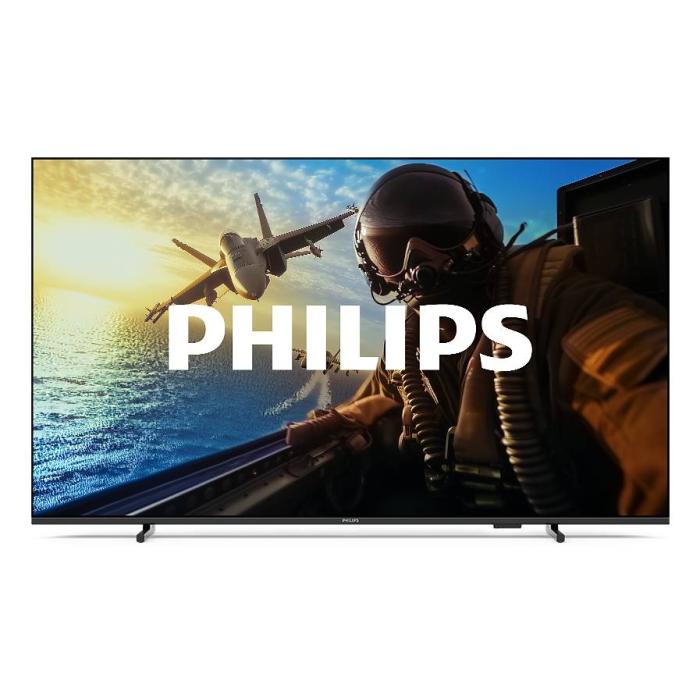
Philips 7000/12: 43" 4K Smart TV with Wifi | Probyte
26 September 2026
Introduction The Philips 7000/12 is a 43-inch (109.2 cm) television that combines 4K Ultra HD resolution, Wifi connectivity and Smart TV features in an elegant black design. If you're looking for a
Read more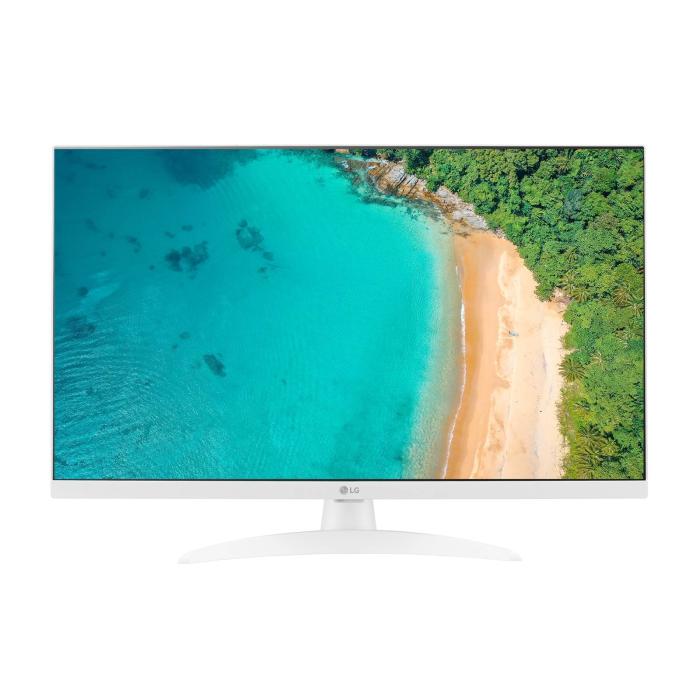
LG 27TQ615S-WZ Smart TV 27'' Full HD | Probyte Deal
26 September 2026
Looking for a compact TV with all the features of a larger model? The LG 27TQ615S-WZ packs 27 inches, Full HD, webOS and WiFi into an elegant white design for kitchens and bedrooms.
Read more
16GB vs 32GB vs 64GB RAM: which is worth it?
21 September 2026
More isn't always better: choosing the right RAM depends on how you use your PC, not just on having more capacity. The key is balancing performance, usage and future-proofing to avoid paying over the odds.
Read more