





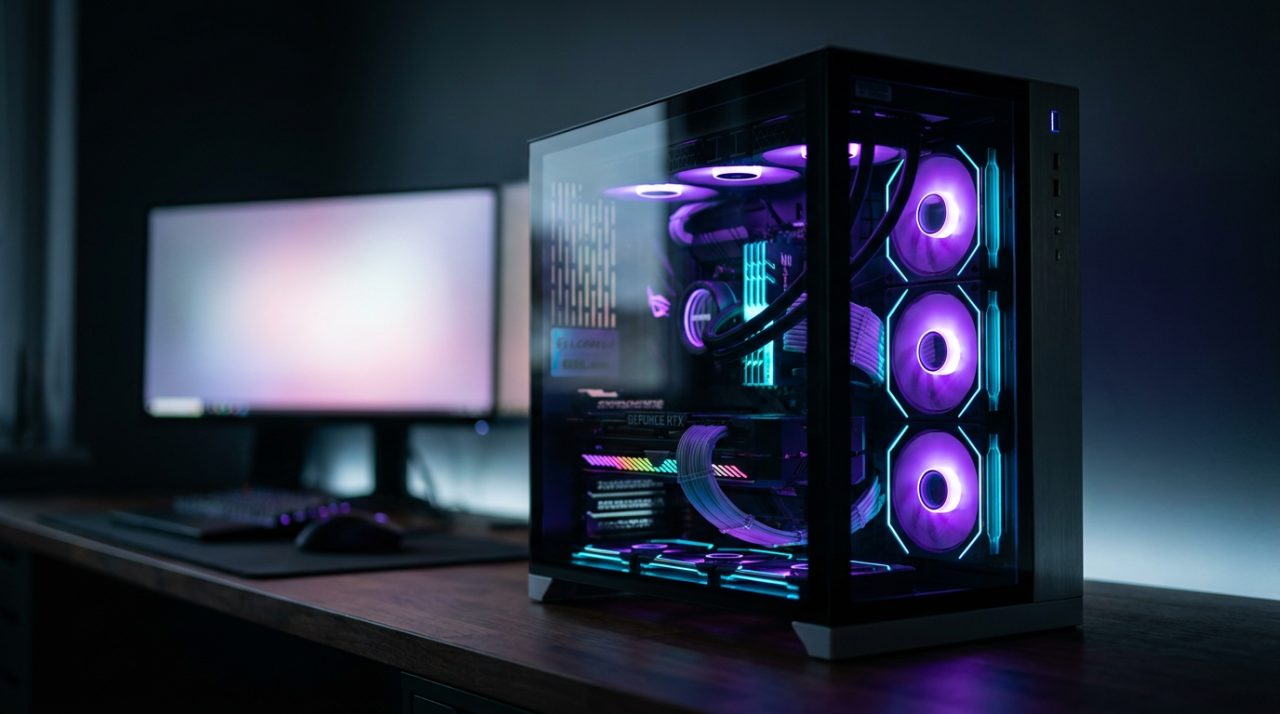
PC gaming for 1,200 euros in 2026: guide and build
30 July 2026
Looking for a gaming PC for 1,200 euros that offers the best performance without breaking the budget? You've come to the right place. In this guide, we explain step by step how to allocate your money and choose each component to build a balanced system capable of running today's games at 1440p or with high frame rates at 1080p. We cover the processor, graphics card, motherboard, RAM, storage, power supply, and cooling, and finally answer the most common questions. Whether you plan to build it yourself or prefer a pre-built system, here are the key insights to invest every euro wisely. At Probyte, as IT specialists, we provide expert advice to help you get it right first time.
Is €1,200 a sufficient budget for a gaming PC?
Absolutely yes. In 2026, €1,200 will get you a very capable mid-to-high range system: demanding games at 1440p with high quality settings, or 1080p with high refresh rates for competitive titles. It's not a budget for native 4K in the heaviest AAA games, but it is the sweet spot between price and performance: below this, you have to cut back on the graphics card, and above it, each extra euro delivers diminishing returns.
What you can expect in practice
- Competitive titles (Fortnite, League of Legends, Counter-Strike): very high frame rates at 1080p and 1440p, ideal for 144 Hz or higher monitors.
- Demanding AAA games (Cyberpunk 2077, latest-generation open-world games): 1440p with high settings, relying on upscaling technologies (DLSS/FSR) for the heaviest scenes.
- 4K: possible in lighter games or with aggressive upscaling, but not the natural target for this budget.
Key components: how to allocate the €1,200
The golden rule for a gaming PC: the graphics card leads the way. From there, here's a suggested allocation that works very well in this range:
| Component | Suggested budget | Approximate % |
|---|---|---|
| Graphics card | €400-480 | ~35-40% |
| Processor | €200-250 | ~18-20% |
| Motherboard | €110-150 | ~10% |
| RAM | €70-90 | ~7% |
| SSD | €60-80 | ~6% |
| Power supply + cooling + case | €150-200 | ~15% |
This isn't a rigid allocation: if you find a graphics card on offer, that extra headroom is well spent on more RAM or a better case. What's not advisable is the opposite — cutting back on the graphics card to overspend on the processor.
Processor: just enough power, nothing more
At this budget, the ideal is to allocate between €200 and €250 for the processor and save the bulk for the graphics card. Two options work particularly well:
Intel Core i5 F-series: the budget-saving choice
A Core i5 without integrated graphics (F-series, such as the i5-13400F) offers plenty of cores for gaming and a major advantage: the LGA1700 platform supports DDR4 memory, which is cheaper, freeing up budget for the graphics card. The downside is that this is an older platform — future CPU upgrades will also require a new motherboard.
AMD Ryzen 5 on AM5: the future-proof pick
A modern Ryzen 5 (like the Ryzen 5 7600) performs excellently in games, and its AM5 platform has longevity: AMD keeps the same socket across generations, so you can upgrade the processor without replacing the motherboard. However, AM5 only works with DDR5, and the motherboard plus memory bundle is slightly more expensive.
Which one to choose?
With a mid-to-high-end graphics card, both deliver very similar frame rates. The real decision comes down to the platform:
- Intel + DDR4 if you want to maximise the graphics card budget today.
- AMD AM5 + DDR5 if you plan to keep the motherboard for 4-5 years and upgrade the processor later.
An i7 or a Ryzen 7 isn't a bad buy, but at this budget it diverts money from where it truly matters: the graphics card.
Graphics card: the queen of the budget
This is the component that makes the difference between smooth gameplay and settling for medium settings. Set aside between 400 and 480 euros and choose based on your priority:
The NVIDIA option: efficiency and upscaling
NVIDIA's mid-to-high-end tiers (RTX 4060 Ti class) stand out for their low power consumption, ray tracing, and above all DLSS with frame generation, which multiplies FPS in compatible games. It is the recommended path if you play with Ray Tracing or prioritise efficiency and cooler running temperatures.
The AMD option: raw power and more VRAM
AMD's equivalents (RX 7700 XT class) usually offer more VRAM and better native performance (without ray tracing) for the same money. If your goal is native 1440p with maximum textures and Ray Tracing isn't a dealbreaker, it's the best all-round buy.
| Priority | Recommendation |
|---|---|
| Ray Tracing, DLSS, low power consumption | NVIDIA mid-to-high-end (RTX 4060 Ti class) |
| Native 1440p, maximum VRAM per euro | AMD mid-to-high-end (RX 7700 XT class) |
Tip: avoid dropping down to the pure mid-range (RTX 4060 / RX 7600 class) — they fall short for 1440p in the medium term, and this budget allows you to avoid that cut.
Motherboard, RAM and storage: the trio that holds it all together
Motherboard: compatibility and future-proofing
Prioritise mid-range chipsets — B760 on Intel, B650 on AMD: they provide good power delivery for the CPU, PCIe 4.0 and at least two M.2 slots with heatsinks. Avoid the most basic chipsets (H610, A620), which limit cooling and future expansion.
RAM: 16 GB well chosen (or 32 if you can)
- On AM5 (DDR5): 16 GB (2×8 GB) at 5600-6000 MHz. Higher frequency offers barely any noticeable gains in gaming and drives up cost.
- On LGA1700 (DDR4): 16 GB (2×8 GB) at 3200-3600 MHz, or go straight to 32 GB — DDR4 is so well-priced that the upgrade is cheap.
Always use two modules to take advantage of dual-channel. 32 GB isn’t essential today, but it extends the system’s useful lifespan.
Storage: NVMe SSD with no bottlenecks
A 1 TB NVMe PCIe 4.0 SSD is the standard at this budget: minimal load times and plenty of space for a good game library. Look for models with DRAM cache or HMB (these prevent slowdowns as the drive fills up) and high read speeds. PCIe 5.0 is still expensive and offers little benefit in gaming; a mechanical drive should only be used as secondary bulk storage.
Power supply and cooling: don’t skimp on quality
A failed power supply can take down your whole system, and poor cooling cuts performance and lifespan. This is where you invest, not save.
Power supply: 650-750 W with Gold certification
For this build, a 650 to 750 W power supply with 80 Plus Gold certification easily handles GPU peaks and leaves room for future upgrades. Go for modular or semi-modular (cleaner cable management, better airflow) and always from a reputable brand — our power supply guide covers how to choose in detail. Be wary of high-wattage units at suspiciously low prices.
Cooling: quality air cooling is enough
For an i5 or Ryzen 5 without overclocking, a tower cooler with 4 heatpipes keeps temperatures excellent with low noise (the stock cooler works but is louder). A 240 mm AIO liquid cooler is optional: it adds aesthetics and some thermal headroom, but a good air tower performs similarly with less hassle.
The case matters too
Choose a case with a mesh front and three fans (two at the front pulling air in, one at the back pushing it out). Even the best cooling struggles in a case with poor airflow.
Build it yourself or buy it pre-built?
DIY build
- Pros: you choose every part, optimise your budget down to the last cent, and learn how your system works.
- Cons: it takes time and a bit of skill; each component has its own warranty, and if something doesn’t boot, the troubleshooting is on you.
Pre-built system
- Pros: arrives ready to plug in, tested, and comes with a single warranty and support for the entire unit.
- Cons: less room for customisation, and it’s wise to check the spec sheet carefully: in mid-range pre-builds, you often find basic power supplies or RAM in a single stick.
Our advice: if you have patience and enthusiasm, build it yourself — you’ll get more performance per euro. If you prioritise convenience and single-point support, choose a pre-built system, but make sure the PSU is certified, the RAM runs in dual channel, and the graphics card matches the rest of the build. At Probyte, you’ll find the components from this guide and expert advice to clear up any questions before you buy.
Frequently asked questions
Will I be able to upgrade this PC in the future?
Yes — that’s one of the benefits of building with a clear strategy. With a current-socket motherboard and a 650-750 W power supply with headroom, swapping out the graphics card or adding RAM is straightforward. The AM5 platform offers the most CPU upgrade longevity.
Does the budget include peripherals?
No: the €1,200 is for the tower alone. Set aside between €150 and €250 separately for a monitor (1080p/144 Hz or 1440p/75 Hz is the sweet spot), keyboard, mouse and headset, and also factor in the cost of an operating system licence.
Can it handle 4K gaming?
In lighter games or with upscaling (DLSS/FSR), yes. For modern AAA titles at native 4K, it’s not realistic within this budget — you’d need to significantly increase the graphics card investment. This rig excels at 1440p.
How long will it last without upgrades?
With the configuration in this guide, expect 4-5 years of solid gaming at 1080p/1440p, adjusting quality settings in the most demanding titles from around year three. Fitting 32 GB of RAM and a motherboard with a current socket extends that lifespan.
What resolution and refresh rate do you recommend?
1080p at 144 Hz for competitive gaming, or 1440p at 60-75 Hz for immersive gaming with better image quality. For stable 1440p at 144 Hz in AAA games, you’d need a graphics card from a different price bracket. Avoid cheap 4K monitors as the system won’t be able to make the most of them.
Is it worth waiting for the next generation of graphics cards?
There’s always something new on the horizon, and recent generations coexist on the shelves alongside the older ones. The sensible strategy: buy the best graphics card within your budget when you need it — the price-to-performance ratio of the current mid-to-high range is excellent, and waiting indefinitely has its own cost.
Now that you have the full blueprint for building the best €1,200 gaming PC, it’s time to take action. At Probyte you’ll find components from every category in this guide — graphics cards, processors, motherboards, memory, power supplies and cooling — with competitive prices, secure shipping and an expert team to help you finalise your build. Build your rig with us and push your setup to the limit!
Latest posts
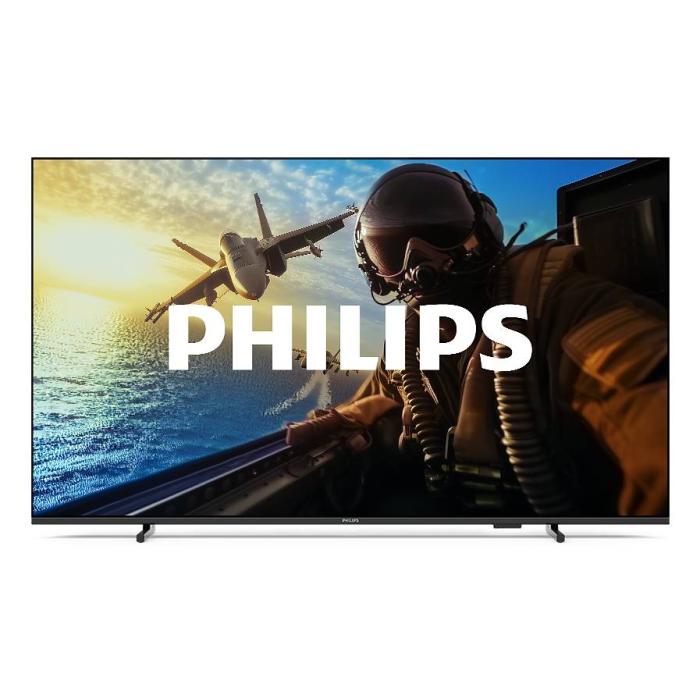
Philips 7000/12: 43" 4K Smart TV with Wifi | Probyte
26 September 2026
Introduction The Philips 7000/12 is a 43-inch (109.2 cm) television that combines 4K Ultra HD resolution, Wifi connectivity and Smart TV features in an elegant black design. If you're looking for a
Read more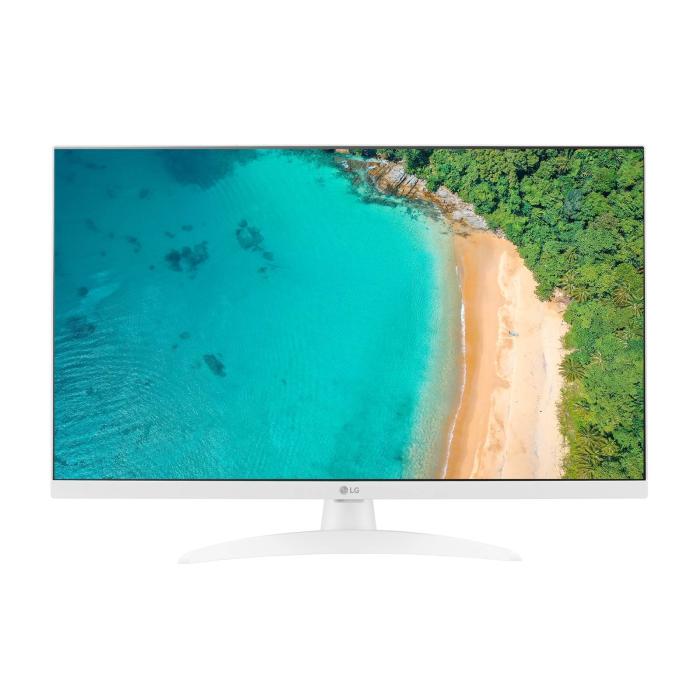
LG 27TQ615S-WZ Smart TV 27'' Full HD | Probyte Deal
26 September 2026
Looking for a compact TV with all the features of a larger model? The LG 27TQ615S-WZ packs 27 inches, Full HD, webOS and WiFi into an elegant white design for kitchens and bedrooms.
Read more
16GB vs 32GB vs 64GB RAM: which is worth it?
21 September 2026
More isn't always better: choosing the right RAM depends on how you use your PC, not just on having more capacity. The key is balancing performance, usage and future-proofing to avoid paying over the odds.
Read more