





Discover budget graphics cards for under €200 (2026)
21 September 2026
A budget graphics card should be capable of delivering 1080p resolution with a frame rate that stays between 30 and 60 FPS; in other words, we're talking about mid-to-low-range graphics cards. That's why, in this article you'll only find models that meet these minimum performance conditions and whose price hovers around €200 or less.
What is the cheapest series of graphics cards?
If we decide to explore the most affordable options, we must set aside the latest generations launched in 2025, such as the GeForce RTX 50 Series, since they belong to a much higher price range, and focus on more affordable tiers.
We're going to focus on the mid-to-low range, where we find graphics cards capable of performing at 1080p at a stable 60 FPS and with enough VRAM, such as:
-
Inno3D GeForce RTX 3050 Twin X2 (6 GB GDDR6)
-
Zotac GAMING GeForce RTX 3050 Eco Solo (8 GB GDDR6)
-
ASUS RTX 3050 LP BRK OC (6 GB GDDR6)
-
ASUS Dual RTX 3050 O8G V2 (8 GB GDDR6)
-
PNY GeForce RTX 3050 VERTO (6 GB GDDR6)
-
ASRock Challenger RX 6600 CLD 8G (8 GB GDDR6)
We also find a cheaper range, which has only 4 GB of memory and presents limitations for more demanding games or tasks; however, the price is much lower:
-
PowerColor RX 6500 XT Fighter OC (4 GB GDDR6)
-
ASRock Phantom Gaming RX 6500 XT 4GB OC (GDDR6)
-
DELL NVIDIA RTX A4000 (4 GB GDDR6)
With these graphics cards your PC can run low-demanding games without problems at 1080p and 60FPS. In addition, these budget graphics cards are also useful for the design niche or graphic design. To run specialised programs correctly, a dedicated graphics card is needed, since relying solely on integrated graphics makes everything run slower.
Best cheap graphics cards
Inno3D GeForce RTX 3050 Twin X2 (6 GB GDDR6)
Users often highlight its good performance for gaming at 1080p, with around 6 GB of GDDR6 memory that proves sufficient in most cases. It is capable of running smoothly at around 60 FPS as long as the graphical demands don't spike.
Its strong point lies in the Twin X2 design with two fans, which ensures better cooling than compact models. This allows it to maintain more stable temperatures during hours of use without compromising too much on noise levels.
PowerColor RX 6500 XT Fighter OC (4 GB GDDR6)
This graphics card has nothing especially remarkable compared to other models in its same range, beyond what the RX 6500 XT series itself offers. Its distinguishing feature is that it is one of the most basic and affordable options for building a PC with a dedicated graphics card and gaming at 1080p with modest settings.
The only thing that could be considered special is its low power consumption and reduced size, which make it easy to install in simple systems without the need for a powerful power supply or an advanced cooling system. It also comes with a slight factory overclock, which allows it to make slightly better use of the chip without resulting in an increase in temperature or noise.
Zotac GAMING GeForce RTX 3050 Eco Solo (8 GB GDDR6)
Zotac GAMING GeForce RTX 3050 Eco Solo NVIDIA 8 GB GDDR6
426.30 €
Get it
on the
October 20
/
October 21
It performs very well at 1080p, with fluidity close to 60 FPS and with the advantage of having 8 GB of GDDR6 VRAM, which gives it more headroom than 6 GB models. This allows it to handle higher quality graphics and perform more fluidly, giving it a slightly longer useful life for the future.
Its special feature is the Eco Solo single-fan design, which makes it more compact and easier to install in systems with limited space. That said, this configuration sacrifices some cooling compared to dual-fan versions, so it is better suited to PCs for moderate use rather than prolonged intensive sessions.
ASUS RTX 3050 LP BRK OC (6 GB GDDR6)
Few units left
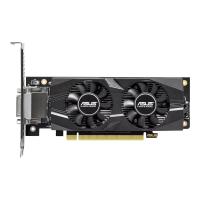
ASUS GeForce RTX 3050 LP BRK OC Edition NVIDIA 6 GB GDDR6
342.02 €
Get it
on the
October 20
/
October 21
It is a card designed for solid performance at 1080p, capable of easily approaching 60 FPS in most common uses. Its 6 GB of VRAM is sufficient for working at that resolution, although it can fall a little short in very demanding tasks or with textures at maximum settings.
As a low profile model, it is designed for compact systems where space and ventilation are more limited. It is therefore intended for PCs for casual or moderate use, a few hours a day, but it is not the best option if you are looking to work with it at full performance during long sessions or on very demanding projects.
ASUS Dual RTX 3050 O8G V2 (8 GB GDDR6)
This RTX 3050 model is better prepared for 1080p performance. Additionally, the 8 GB of VRAM gives it a little more headroom when handling heavy textures, thus maintaining 60 FPS at higher settings.
As a Dual model (standard size, with dual fans), its cooling is better than the low profile version; so it will take longer to heat up and you can enjoy more prolonged or demanding use.
ASRock Challenger RX 6600 CLD 8G (8 GB GDDR6)
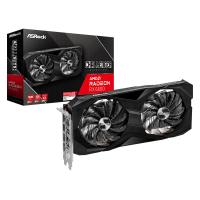
The ASRock Challenger RX 6600 CLD 8G is a very competent mid-range graphics card for playing at 1080p and easily reaching a stable 60 FPS in most scenarios. Its 8 GB of GDDR6 VRAM gives it enough headroom to handle high-quality textures without memory issues.
Its Challenger design with dual fans allows for better cooling than compact versions, so it withstands longer sessions or more demanding tasks.
ASRock Phantom Gaming RX 6500 XT 4GB OC (GDDR6)
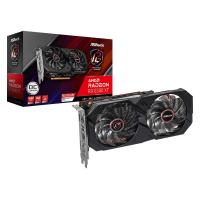
It is a card that plays in the entry-level league. Its aim is not to compete with more powerful models, but to offer an affordable option capable of running games at 1080p as long as the graphics settings are adjusted. The 4 GB of VRAM clearly mark its limit: it is enough for lightweight titles or for those who are not looking to push graphics to the max, but it falls short in demanding scenarios or in the future.
The Phantom Gaming design with factory overclock gives it a small extra performance boost, while its compact format and reduced power consumption make it a good fit for modest, low-budget systems or those intended for occasional use.
PNY GeForce RTX 3050 VERTO (6 GB GDDR6)
It reaches the established 1080p performance, capable of around 60 FPS thanks to its 6 GB of GDDR6 VRAM, which is enough for most common scenarios. It is a card that delivers what it promises, fluidity at Full HD resolution without overcomplicating things.
What makes it special is its compact and simple design, aimed at those looking for a graphics card that is easy to install and with contained power consumption.
DELL NVIDIA RTX A4000 (4 GB GDDR6)
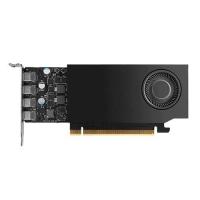
It has sufficient performance at 1080p, capable of around 60 FPS under adjusted conditions thanks to its 4 GB of GDDR6 VRAM. It is more limited than the 6 or 8 GB options, but it delivers in environments where maximum graphics are not required.
What sets it apart from the rest is that it is geared towards professional use rather than gaming. It is a makeshift option for office work that does not require the use of highly demanding applications.
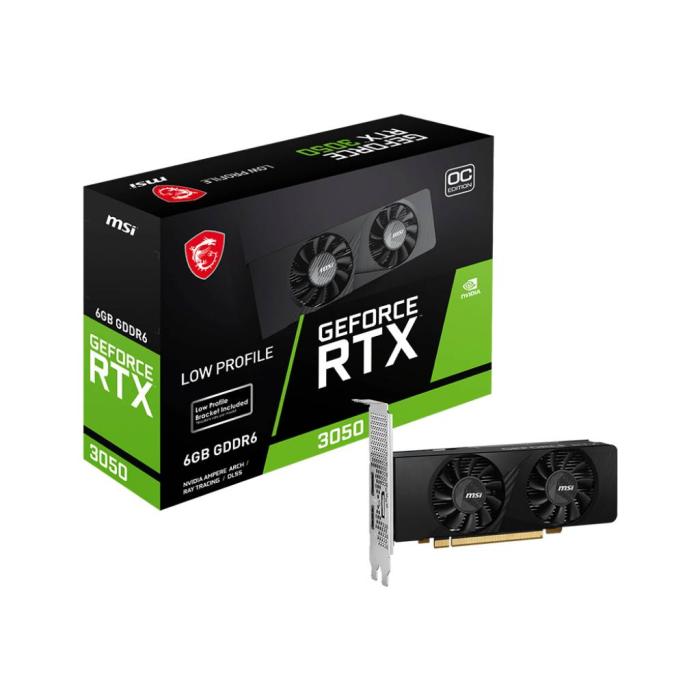
MSI GeForce RTX 3050 LP 6G OC (6 GB GDDR6)
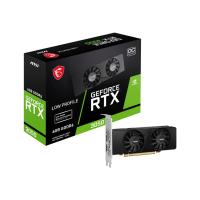
The MSI GeForce RTX 3050 LP 6G OC passes the 1080p performance test, reaching 60 FPS in most scenarios with its 6 GB of GDDR6 VRAM. It is a graphics card that performs well within what is expected for this range.
It has a slight factory overclock, which gives it a little more power without raising consumption too much. That said, the cooling is more limited than in larger models, so it is better suited to occasional use than to long demanding sessions.
What should you bear in mind for your computer to perform correctly with your new budget graphics card?
Before buying a budget graphics card, take into account your processor, the compatibility of your equipment and, without a doubt, the use or demand you are going to put it through.
The processor (CPU)
Even if you install a new graphics card, if your processor is very old or not very powerful it can become a bottleneck. This means that the CPU will not be able to keep up with the graphics card and will limit the FPS, reducing the overall performance of the equipment.
Compatibility
Before buying, make sure that your graphics card is compatible with your equipment:
-
Motherboard: Confirm that it has the necessary PCIe slot to install the graphics card.
-
Power supply: Check that it has enough power and the right connectors.
-
PC case: Make sure there is available space, as some cards are quite bulky.
-
Video connectivity: Check that the graphics card has the outputs (HDMI, DisplayPort, DVI) that you need and that they are compatible with your monitor.
-
BIOS/UEFI: On older equipment a BIOS update may be necessary for the card to work correctly.
Graphics settings for FPS performance
The quality level you choose in games also has a big influence. Playing on Ultra is not the same as on Medium; since many cards that do not reach 60 FPS on maximum settings do achieve it by reducing shadows, textures or effects.
Furthermore, not all games are well optimised in terms of FPS; there are demanding titles that even with a high-end graphics card cannot be pushed to 60 FPS.
What uses do these budget graphics cards allow us?
Graphics cards for playing eSports and low-demand video games
These graphics cards are more than enough to enjoy low-demand video games and especially eSports such as Fortnite, Valorant, LoL or CS2, where fluidity matters more than extreme graphical quality.
If you're not sure whether you can play a title with one of these graphics cards, search for the name of the graphics card + the name of the video game on YouTube to see the performance and the demands it can handle.
There are also multiple online power comparison tools to see the clear differences between various models.
For designers, video editors and remote working
They also allow you to work with video editors, light animation or basic graphic design, from simple programs such as CapCut to more complete options, as long as you don't demand an advanced professional level.
On the other hand, they provide everyday convenience with multitasking, as they make it easier to use several applications or open tabs without overloading the system.
Latest posts
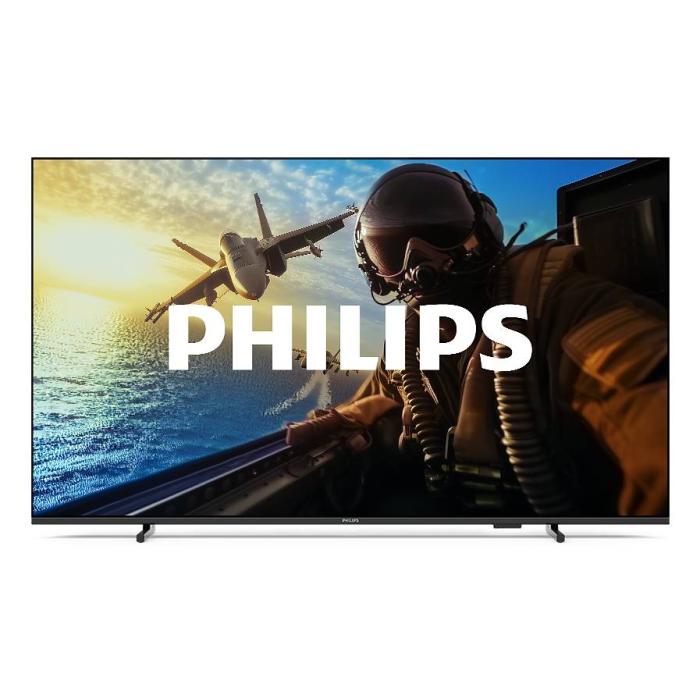
Philips 7000/12: 43" 4K Smart TV with Wifi | Probyte
26 September 2026
Introduction The Philips 7000/12 is a 43-inch (109.2 cm) television that combines 4K Ultra HD resolution, Wifi connectivity and Smart TV features in an elegant black design. If you're looking for a
Read more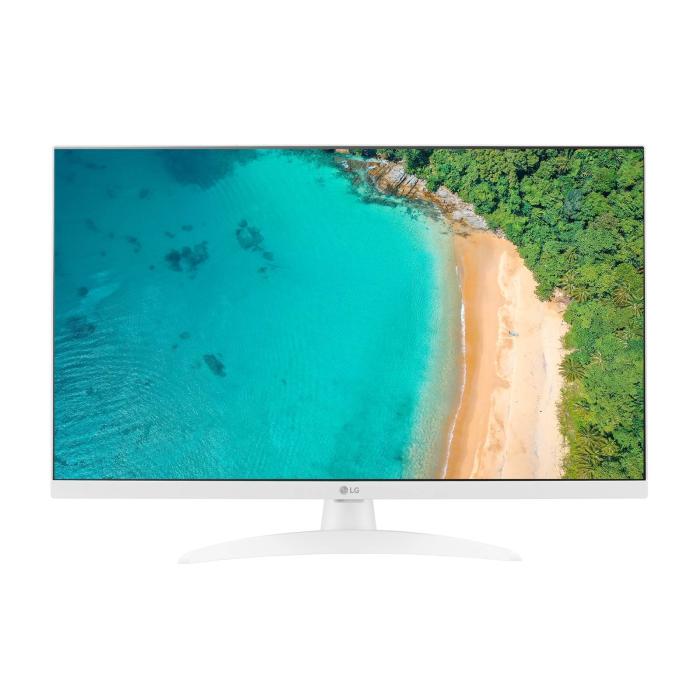
LG 27TQ615S-WZ Smart TV 27'' Full HD | Probyte Deal
26 September 2026
Looking for a compact TV with all the features of a larger model? The LG 27TQ615S-WZ packs 27 inches, Full HD, webOS and WiFi into an elegant white design for kitchens and bedrooms.
Read more
16GB vs 32GB vs 64GB RAM: which is worth it?
21 September 2026
More isn't always better: choosing the right RAM depends on how you use your PC, not just on having more capacity. The key is balancing performance, usage and future-proofing to avoid paying over the odds.
Read more