





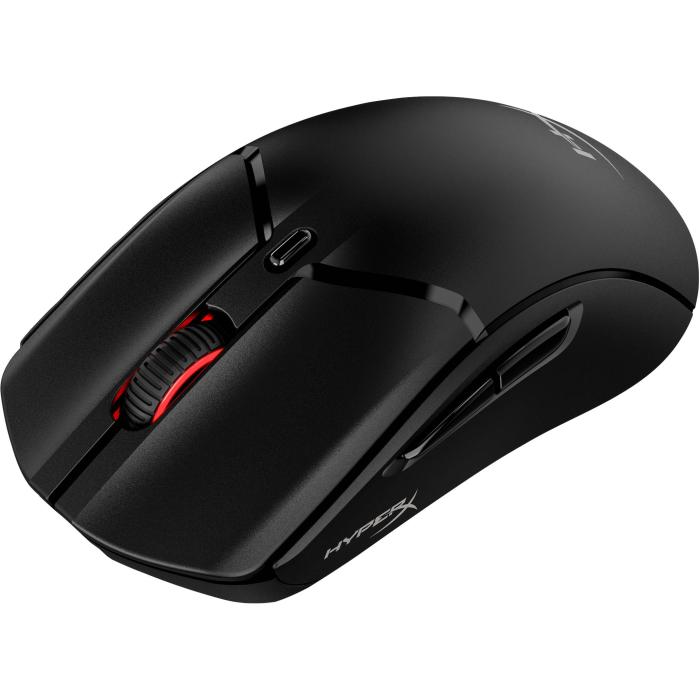
Best wireless gaming mice 2026: guide and top 10
21 September 2026
Tired of cables that get tangled and limit your movements? In 2026, wireless gaming mice have reached a level of precision and speed that rivals their wired counterparts. The freedom to move without sacrificing performance is now a reality, thanks to technologies such as 2.4 GHz connectivity, low-latency Bluetooth, and cutting-edge optical sensors.
Choosing the right mouse can make all the difference between winning and losing a match. That is why we have put together this updated guide with the best models of 2026, analysing their features, strengths, and weaknesses. We will also give you the key to knowing what to look for based on your play style and budget.
If you are looking for a reliable battle companion that is lightweight and has a battery that can handle marathon gaming sessions, you are in the right place. Keep reading to discover which wireless gaming mouse is perfect for you.
Key factors for choosing a wireless gaming mouse in 2026
Before you rush out and buy the first model you see, it's essential to understand what really makes a wireless mouse good for gaming. They're not all the same, and the technical differences can have a direct impact on your performance.
Connectivity and latency: the importance of the 2.4 GHz connection
Most high-end wireless gaming mice use a 2.4 GHz USB receiver, which offers extremely low, almost imperceptible latency. This connection is the preferred choice for competitive gamers because it guarantees a practically instantaneous response. Bluetooth is more convenient for productivity or casual gaming, but its latency tends to be higher. In 2026, some models allow you to switch between multiple connections, which is ideal if you want to use the same mouse on your desktop computer and a laptop or tablet.
Sensors and DPI: pinpoint accuracy
Sensor technology has advanced enormously. The best mice of 2026 feature optical sensors capable of reaching up to 30,000 DPI (dots per inch), although in practice most gamers don't need to go beyond 1,600–3,200 DPI. What matters isn't the maximum number, but the accuracy, the absence of acceleration and consistent tracking across different surfaces. Look for well-known brands such as Logitech, Razer, SteelSeries or Glorious, which invest in R&D to perfect this aspect.
Weight and ergonomics: lightness and comfort
Weight is another critical factor. Ultralight mice (under 60 grams) are trending because they allow faster movements and reduce fatigue during long sessions. Ergonomics is also key: the mouse should suit your grip type (palm, claw or fingertip) and the size of your hand. A poor grip can lead to repetitive strain injuries. That's why we recommend trying one out in person or reading detailed reviews before making your decision.
Battery and charging: uninterrupted battery life
Batteries have improved considerably. Many models offer up to 100 hours of continuous use on a single charge. Some include wireless charging docks or fast-charging systems that provide several hours of use from just a few minutes of connection. Consider whether you prefer a detachable cable (USB-C type) or a dock you can leave on your desk. For hardcore gamers, good battery life is essential so you can forget about the charger in the middle of a match.
The best wireless gaming mice of 2026: category-by-category review
Below is our selection of the standout models of the year. We have split the list into categories to make it easier to find the one that suits your needs.
Ultra-light mice for eSports and competitive gamers
These are the favourites of the pros: lightweight, with symmetric or ergonomic shapes and highly accurate sensors. The highlights include:
- Model X-1 Pro (2026): At just 49 grams, it is one of the lightest on the market. Its next-generation sensor delivers flawless accuracy. Perfect for tactical shooters such as Valorant or Counter-Strike.
- Lambda Ultralight Model: With a honeycomb design, it features an 80-hour battery and very comprehensive configuration software. Its shape is ideal for claw grip.
Ergonomic mice for long sessions and right-handed users
If you game for many hours and have a large hand, look for a mouse with ergonomic support. These models reduce strain on the wrist and make it easier to reach the buttons.
- ErgoMax RGB Model: Available in two sizes (large and medium), it features switches rated for up to 50 million clicks and a wheel with free-scrolling modes. Its battery lasts up to 100 hours with RGB lighting switched off.
- Comfort Plus Model: Includes an integrated finger rest and a tilted angle that adapts to the natural curve of the hand. Ideal for real-time strategy (RTS) games or MOBAs.
Dual-connection mice for laptop and desktop
Many gamers are interested in a mouse that works both for gaming and for work. The models below offer the option of connecting via 2.4 GHz, Bluetooth or USB-C cable.
- MultiLink 2000 Model: Switchable between three devices, it allows you to change channel with a button. Its battery reaches 60 hours and is compatible with the main operating systems.
- SwitchEasy Pro Model: As it is symmetric and versatile, it works for both right-handed and left-handed users. It has programmable buttons for frequent actions.
Comparison: specifications and value for money
To help you visualise the differences, here is a comparison table of the most popular 2026 models (indicative prices in euros):
| Model | Weight | Connection | Maximum DPI | Battery life | Approx. price |
|---|---|---|---|---|---|
| X-1 Pro (Ultralight) | 49 g | 2.4 GHz / Bluetooth / Cable | 30,000 | 80 h | €129 |
| Lambda Ultralight | 55 g | 2.4 GHz / Cable | 26,000 | 70 h | €99 |
| ErgoMax RGB | 95 g | 2.4 GHz | 19,000 | 100 h | €119 |
| Comfort Plus | 75 g | 2.4 GHz / Bluetooth | 16,000 | 60 h | €89 |
| MultiLink 2000 | 80 g | 3 modes (2.4GHz/Bluetooth/Cable) | 14,000 | 60 h | €79 |
| SwitchEasy Pro | 78 g | 2.4 GHz / Bluetooth / Cable | 18,000 | 55 h | €69 |
Note: Prices are indicative and may vary depending on offers and availability at each store.
How to keep your wireless gaming mouse in perfect condition
A good mouse is an investment. With the right care, you'll extend its lifespan and keep performance at its peak.
Regular Cleaning, Especially in Hot Climates
Grease and dust build up on the sides and the scroll wheel, causing imprecise tracking. Use a microfiber cloth slightly dampened with isopropyl alcohol and a cotton swab for the corners. Do this at least once a month. You can also clean the sensor lens with compressed air to prevent dust from blocking the laser.
Firmware and Software Updates
Manufacturers release firmware updates that improve sensor accuracy or fix connectivity issues. Visit the brand's support page or use their software to keep everything up to date. This can make a noticeable difference in stability.
Battery Care
Lithium-ion batteries have no memory effect, so you can charge them whenever you like. However, avoid leaving them at 0% for extended periods: if you're not going to use it, store the mouse with a charge of around 50%. Repair or replace the battery if you notice battery life dropping dramatically.
Frequently Asked Questions
What DPI do I need to play FPS games?
It depends on your in-game sensitivity. Most professional players use between 400 and 1600 DPI with a low in-game sensitivity. Modern mice allow you to adjust DPI on the fly, so choose a model with enough headroom (at least up to 12,000) and the ability to set up multiple profiles.
Is a wireless or wired mouse better for competitive gaming?
By 2026, high-end wireless mice offer virtually identical latency to wired ones. The advantage of freedom of movement outweighs any difference. If you opt for a model with a 2.4 GHz receiver and good reviews, you won't notice any difference. Wired ones are cheaper, but they limit your mobility.
How long does a wireless gaming mouse battery last?
Battery life varies depending on the model, the intensity of the RGB lighting, and whether you use Bluetooth or 2.4 GHz. In general, the best mice of 2026 offer between 50 and 100 hours. If you use Bluetooth (with a lower polling rate), you can stretch the battery further.
How can I troubleshoot connectivity issues on my wireless mouse?
First, try changing the battery or charging it fully. Move the USB receiver closer to the mouse or use a USB extender to reduce interference. Make sure the mouse is paired correctly (see the manual). If the problem persists, reinstall the driver or update the firmware.
Our final pick: which one should you choose based on your style?
There's no single "best" mouse, just the one that suits you best. If you're a competitive FPS player looking for maximum lightness, the X-1 Pro is a safe bet. For long strategy or MOBA sessions, the ErgoMax RGB offers excellent ergonomics... And if you need versatility for both gaming and work, the MultiLink 2000 or SwitchEasy Pro are well-balanced budget options. Visit our online store to see the latest deals and compare prices.
Remember, at Probyte, you'll find the most sought-after wireless gaming mice of 2026, with expert advice and guaranteed delivery. Don't wait any longer to upgrade your setup!
Conclusion: wireless freedom is here to stay
The wireless gaming mice of 2026 represent the pinnacle of peripheral technology: absolute precision, zero cables and designs that adapt to any hand. Investing in one of these models is investing in your comfort and your performance. Brands have overcome the technical barriers, and today there is no excuse for continuing to let cables restrict your movements.
We hope this guide has helped to clarify any questions you may have. Remember that at Probyte we stock a wide range of wireless gaming mice and our team can advise you if you are still unsure which one to choose. Take a look at the offers and find your perfect companion for your gaming sessions.
Choose yours and play without limits!
Latest posts
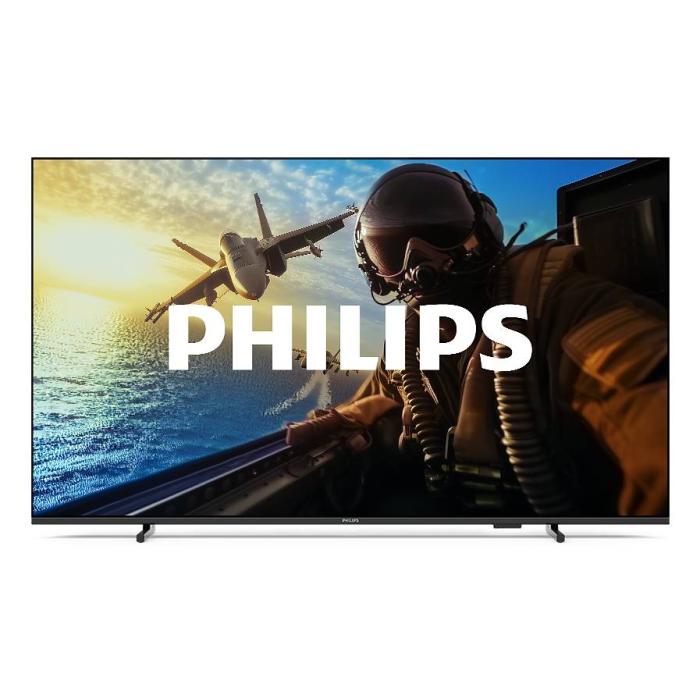
Philips 7000/12: 43" 4K Smart TV with Wifi | Probyte
26 September 2026
Introduction The Philips 7000/12 is a 43-inch (109.2 cm) television that combines 4K Ultra HD resolution, Wifi connectivity and Smart TV features in an elegant black design. If you're looking for a
Read more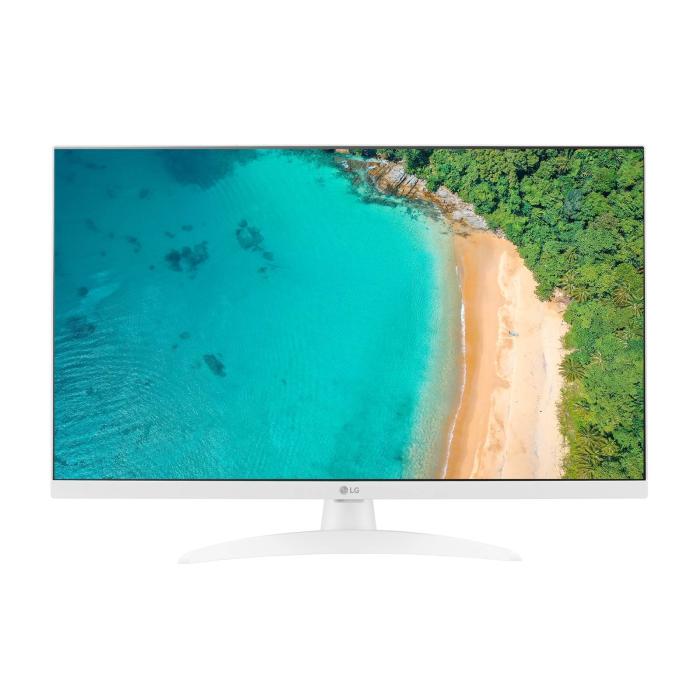
LG 27TQ615S-WZ Smart TV 27'' Full HD | Probyte Deal
26 September 2026
Looking for a compact TV with all the features of a larger model? The LG 27TQ615S-WZ packs 27 inches, Full HD, webOS and WiFi into an elegant white design for kitchens and bedrooms.
Read more
16GB vs 32GB vs 64GB RAM: which is worth it?
21 September 2026
More isn't always better: choosing the right RAM depends on how you use your PC, not just on having more capacity. The key is balancing performance, usage and future-proofing to avoid paying over the odds.
Read more