





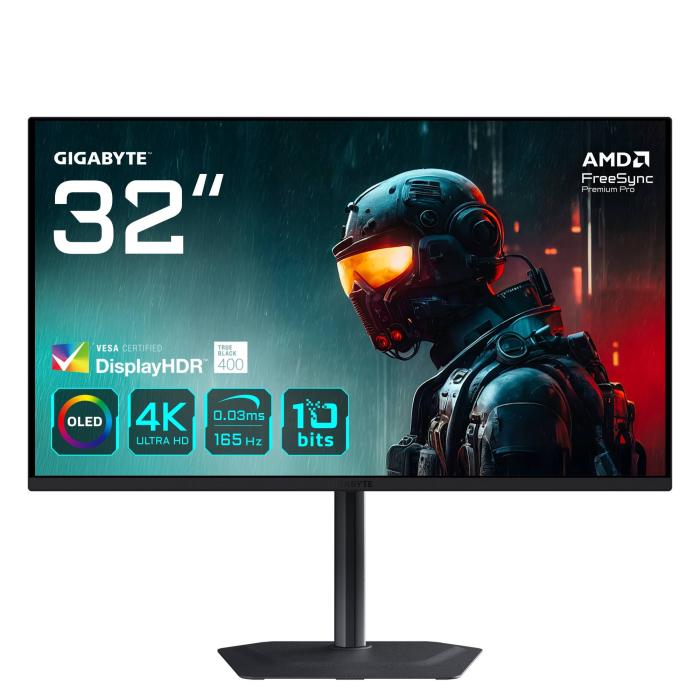
Gigabyte MO32U 4K OLED Gaming Monitor | Analysis and Guide
4 September 2026
Looking for a monitor that immerses you in your favourite games with deep blacks and silky-smooth motion? The Gigabyte MO32U is the answer. This 31.5-inch OLED panel with 4K UHD resolution not only takes image quality to another level but also combines a 165 Hz refresh rate and a 0.03 ms response time so every movement is sharp and blur-free.
In this comprehensive guide, we take an in-depth look at its features, who it's ideal for, and why it has become a favourite among the most demanding gamers. We also share how to make the most of its OLED technology, both for gaming and creative work. If you're thinking about making the leap to 4K, keep reading: this monitor might be just what you need.
Design and construction of the Gigabyte MO32U
The Gigabyte MO32U features an elegant, understated design, with ultra-thin bezels that maximise usable screen space without distractions. The rear has a matte black finish that avoids reflections and integrates well into any setup. The compact base offers good stability and allows for height, tilt and swivel adjustment, as well as rotating the panel up to 90 degrees for vertical orientation — a very practical feature for programming or reading long documents.
Ergonomics and connectivity
- Ergonomic adjustments: Height (up to 130 mm), tilt (-5° to +21°), pivot and swivel.
- Connectivity: Two HDMI 2.1 ports, one DisplayPort 1.4, one upstream USB-C with 18W charging, and a USB hub with one USB-A port.
- VESA compatibility: 100x100 mm for arm or wall-mount installation.
The inclusion of HDMI 2.1 is key for next-generation consoles such as the PlayStation 5 or Xbox Series X, which can make full use of 4K at 120 Hz without any issues. The USB-C port is also a very welcome addition, as it works as a USB hub and supplies up to 18 W of charging; video has to go over HDMI or DisplayPort.
OLED Panel: Perfect Blacks and Vibrant Colours
The star of this monitor is its OLED panel with a 31.5-inch diagonal. Unlike IPS or VA panels, each pixel lights up independently, resulting in absolute blacks and infinite contrast. This makes dark scenes in films or horror games look impressively realistic, without halos or greyish areas.
What's more, the MO32U covers 99% of the DCI-P3 colour space, ensuring highly faithful and vibrant colour reproduction. It's ideal for photo or video editing, provided you carry out a basic calibration. The DisplayHDR True Black 400 certification ensures HDR is displayed convincingly, with peak brightness of 250 cd/m² (although it can go higher in small areas) and excellent handling of highlights and shadows.
Brightness and HDR: enough for gaming?
While 250 cd/m² of typical brightness may seem low compared with other monitors, in practice the OLED compensates with its infinite contrast. Indoors, once properly adjusted, it looks spectacular. For HDR, the monitor activates the True Black HDR mode, which boosts brightness in specific areas up to 400 cd/m², enhancing the experience in compatible games. That said, in rooms with a lot of natural light, you might notice it lacks a bit of brightness, but this isn't a problem in most situations.
Gaming performance: fluidity and precision
With a 165 Hz refresh rate and a 0.03 ms response time (GtG), the Gigabyte MO32U is designed for competitive gamers. Fluidity is astonishing: camera movements in shooters like Valorant or CS2 look incredibly smooth, and the lack of ghosting (trails) makes tracking targets effortless.
Console compatibility
- PlayStation 5: 4K at 120 Hz with VRR.
- Xbox Series X: 4K at 120 Hz with VRR.
- Nintendo Switch: 1080p at 60 Hz (scaled).
In addition, the monitor supports VRR (Variable Refresh Rate) to prevent screen tearing, and is compatible with AMD FreeSync Premium Pro. PC gamers with NVIDIA graphics cards can also use G-Sync (compatible) via DisplayPort.
OSD and Gigabyte OSD Sidekick software
The on-screen display (OSD) menu is easy to navigate using the rear joystick, allowing you to adjust colour profiles, gaming modes or features like Black Equalizer or Crosshair. Gigabyte's OSD Sidekick software lets you control all these settings from your desktop, which is very convenient if you frequently switch between gaming and work.
Comparison: MO32U vs. other 4K OLED monitors
| Model | Panel | Resolution | Refresh rate | Response time | HDR | Ports | Approx. price |
|---|---|---|---|---|---|---|---|
| Gigabyte MO32U | OLED | 3840x2160 | 165 Hz | 0.03 ms | True Black 400 | HDMI 2.1, DP 1.4, USB-C | €745-€775 |
| LG 32GS95UE | OLED | 3840x2160 | 240 Hz | 0.03 ms | True Black 400 | HDMI 2.1, DP 1.4 | €1,400-€1,600 |
| ASUS ROG Swift PG32UCDM | OLED | 3840x2160 | 240 Hz | 0.03 ms | True Black 400 | HDMI 2.1, DP 1.4 | €1,300-€1,500 |
| Odyssey G8 OLED (Samsung) | OLED | 3440x1440 | 175 Hz | 0.03 ms | DisplayHDR 400 | HDMI 2.1, DP 1.4 | €900-€1,100 |
Indicative prices in the Spanish market (2024).
As you can see, the MO32U is positioned as an excellent option thanks to its balance between price and performance, sacrificing the refresh rate compared with more expensive rivals, but offering identical image quality.
Who the Gigabyte MO32U is for
This monitor is perfect for:
- PC and console gamers who want to experience 4K with high refresh rates.
- Content creators looking for reliable colour reproduction (DCI-P3 99%).
- Users who value design and tidy workspaces, thanks to its ergonomic stand and USB-C.
On the other hand, if your budget is very tight or you only play competitive titles at 1080p/240 Hz, a high-refresh-rate 1440p monitor may offer better performance for less money. But if you seek the latest in image quality and have a powerful graphics card (such as an RTX 4080 or above), the MO32U is a safe bet.
Frequently Asked Questions
Does the Gigabyte MO32U support G-Sync?
Yes, although it is not officially certified, it works with NVIDIA graphics cards via DisplayPort thanks to its Adaptive-Sync compatibility. You can enable G-Sync from the NVIDIA Control Panel with no issues.
Which cables are included?
It includes a DisplayPort cable and the power cable. If you plan to connect via HDMI or USB-C, you will need that cable separately.
Does it suffer from burn-in or image retention?
Modern OLED panels have preventative measures in place, such as pixel shifting and automatic shut-off. Gigabyte also includes OLED care features in the OSD to mitigate the risk. However, it is still recommended to avoid leaving static images on screen for extended periods.
Can I use it for text-based work?
Yes, the 4K resolution offers excellent sharpness. Text appears highly defined, although some users notice a non-standard subpixel layout on OLED panels that can cause slight colour fringing on certain hues. In practice, this is barely perceptible.
What is the power consumption?
Approximately 50-60 W under normal use, which is reasonable for a monitor of this size. It may increase slightly in HDR mode.
Where to buy the Gigabyte MO32U
If you're ready to make the leap to a 4K OLED monitor that performs equally well in gaming and creative work, the Gigabyte MO32U stands out as an option that's hard to beat. Its combination of speed, contrast, and connectivity make it a smart investment. Don't wait any longer and get yours from our store: Gigabyte MO32U at Probyte. Your setup deserves the best!
Latest posts
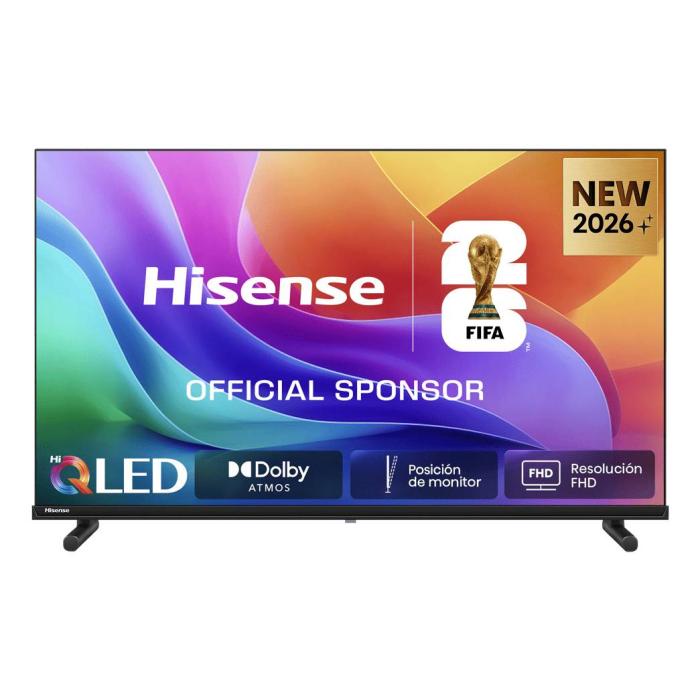
Hisense 32A5S Width in cm - Full Dimensions & Specs
4 September 2026
Need the Hisense 32A5S width in cm? We detail all dimensions, ideal spaces, and mounting tips. Discover if this 32-inch TV fits your room. Read more!
Read more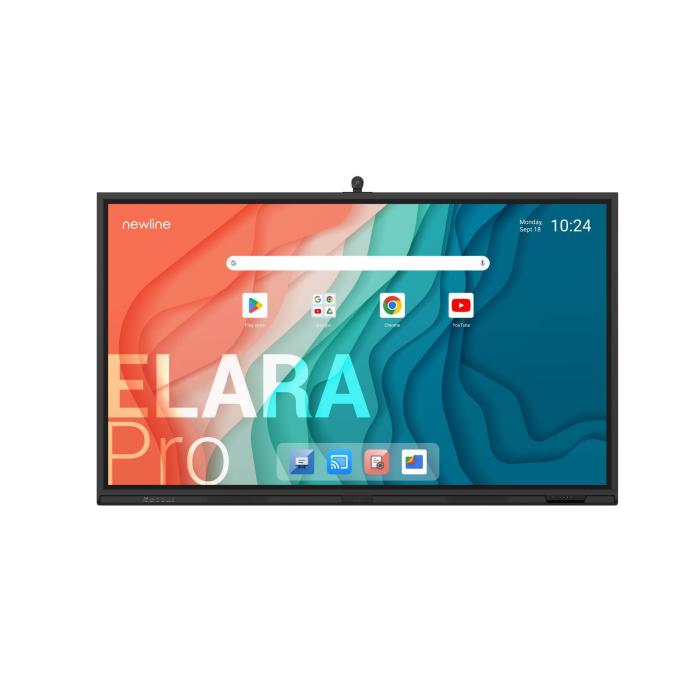
Newline Elara Pro 86" 4K: The interactive whiteboard transforming your classroom
4 September 2026
Discover the Newline Elara Pro 86" 4K interactive whiteboard: 50-point multi-touch, built-in Android and integrated audio for classrooms and meeting rooms.
Read more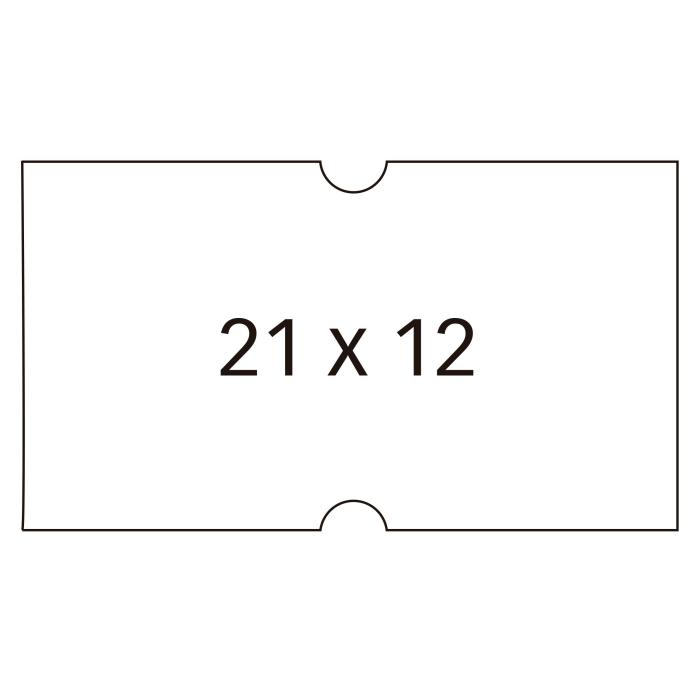
APLI Labels: Quality and Price for Your Office
4 September 2026
Looking for reliable labels to organise your office, files or products? APLI labels are the top choice for thousands of professionals and households across Europe, offering a comprehensive range of sizes and strong adhesion.
Read more