





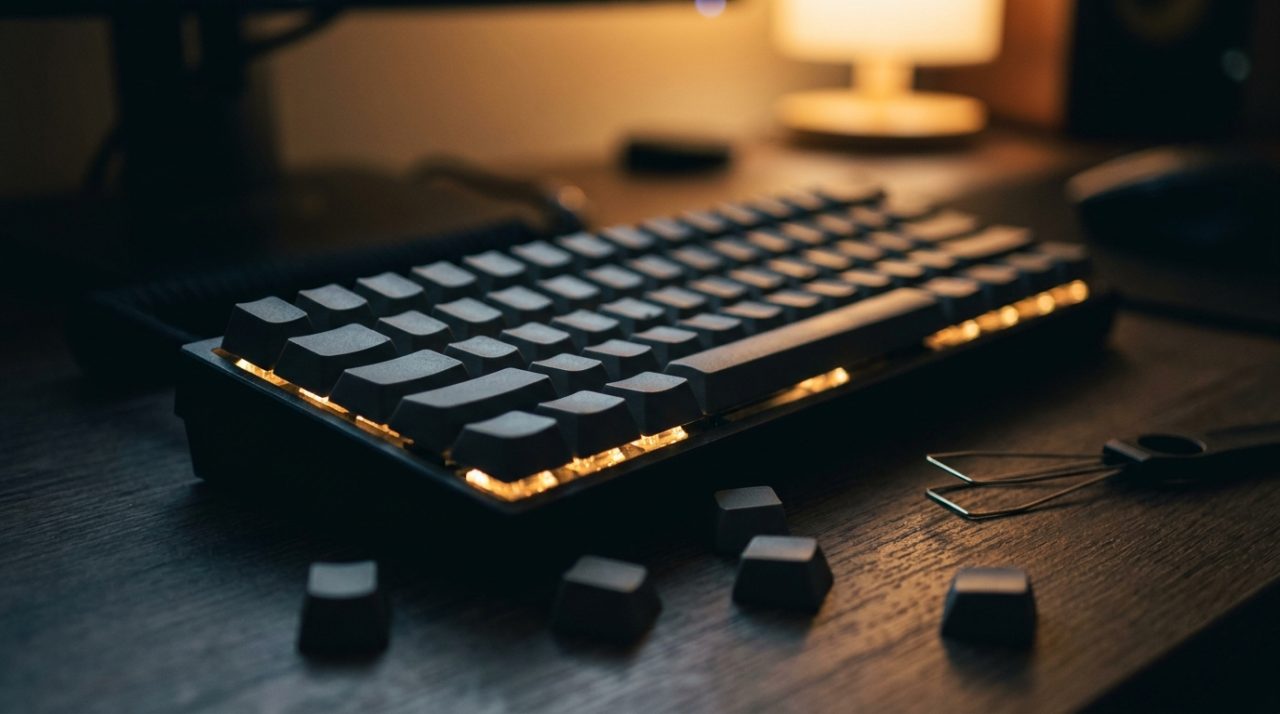
Best Mechanical Keyboards 2026: The Ultimate Guide to Choosing
2 August 2026
Choosing the best mechanical keyboard can be the difference between a tedious typing experience and pure enjoyment, whether you’re working or gaming. In this ultimate guide, we explain everything you need to know: from switch types (Cherry MX, Gateron, optical) to key factors like size, lighting, and ergonomics.
We also explain how a good wrist rest – such as the Kensington ErgoSoft™ – can reduce fatigue and improve your posture. Whether you’re a typing professional or a passionate gamer, here you’ll find the keys to making the best decision and upgrading your workstation with the products we sell at Probyte.
What Makes a Keyboard Mechanical and Why Do We Love Them?
The main difference between a mechanical keyboard and a membrane one lies in their internal construction. While conventional keyboards use a rubber or silicone sheet that makes contact with a printed circuit board, mechanical keyboards employ individual switches for each key. Each switch is an independent unit composed of a spring, a stem, and metal contacts. When you press a key, the mechanism activates without needing to push down a full membrane, offering tactile feedback and a characteristic sound — whether it's an audible click, a smooth feel, or a linear press with no noise.
This construction brings notable advantages. Durability is a key strength: mechanical switches are typically rated for between 50 and 80 million keystrokes, far exceeding the 5-10 million of membrane keyboards. Additionally, precision is superior, as the actuation point is more consistent and predictable. For gamers, this can mean faster movements and fewer errors; for office workers, it translates to more comfortable typing and less fatigue.
Another key factor is customisation. Being modular, many mechanical keyboards allow you to change switches without soldering (hot-swap), as well as replace keycaps to adjust the feel, sound, or aesthetics. This has created a passionate community of users who modify their keyboards to achieve the perfect experience.
And speaking of comfort, if you spend many hours typing, a good wrist rest can make all the difference. To complement your mechanical keyboard, the Kensington ErgoSoft™ Wrist Rest for Mechanical and Gaming Keyboards offers padded support that helps maintain a natural posture and reduces strain on your wrists during long sessions.
In summary, mechanical keyboards not only improve precision and durability but also provide a tactile and auditory experience that many users consider superior. That feeling of each keystroke being firmly registered, along with the ability to tailor it to your preferences, is what makes them the preferred choice for gamers and professionals alike.
Switch Types: Choose Your Ideal Feel
The soul of any mechanical keyboard lies in its switches—the individual mechanisms beneath each key. They determine whether typing is a smooth, resistant, or noisy experience. Choosing the right type makes the difference between a keyboard you hate and one you can't put down.
Switches fall into three main families: linear, tactile, and clicky. Each offers a completely different feel when pressed and is better suited to certain user profiles.
- Linear: These are the smoothest and quietest. When pressed, the key travels down without additional resistance or an audible click. Ideal for gamers who need speed and continuous presses (such as in FPS or MOBA games), where every millisecond counts. They are also perfect for intensive office work if you operate in quiet or shared environments.
- Tactile: These provide a small bump or resistance at the midpoint of the travel, signalling that the key has registered without needing to press all the way down. They are favourites among writers and programmers who need precision and feedback without extra noise.
- Clicky: Similar to tactile switches, but they also emit a very distinctive mechanical click sound when actuated. They are the loudest and offer a nostalgic feel. Perfect for those who enjoy the sound and do a lot of typing, but annoying in open-plan offices.
How to Choose Yours?
| Profile | Recommended Switch | Key Reason |
|---|---|---|
| Competitive Gamer (FPS, MOBA) | Linear | Speed and smooth presses without resistance. |
| Office Work/Programming | Tactile | Precision and feedback without extra noise. |
| Nostalgic Writers | Clicky | Satisfying sound and feel when typing. |
| Quiet Environments | Linear or Tactile | Avoids annoying noise for colleagues. |
Regardless of the switch you choose, wrist fatigue can set in after many hours. For comfort, complement your keyboard with a Kensington ErgoSoft™ Wrist Rest for Mechanical and Gaming Keyboards. Its cushioned design relieves pressure and promotes a neutral posture, ideal for long gaming sessions or work.
Remember that the final choice comes down to personal preference. If possible, try switches in a physical store or order a sampler before buying. The perfect feel is the one that feels most natural to you.
Sizes and Formats: from Full-Size to 60%
Choosing the size of your mechanical keyboard is one of the most personal decisions you will make. From the classic full-size, with everything at your fingertips, to the minimalist 60% that prioritises desk space, each format has its own character. We analyse the options so you can find the one best suited to your workflow.
Full-size (100%): the classic all-rounder
The full-size keyboard includes the function row (F1-F12), navigation keys (Home, End, Delete, etc.) and the full numeric keypad. It is the preferred choice for office workers, accountants and gamers who rely on numeric macros. Its main advantage is absolute comfort when entering data or using shortcuts without moving your hand. On the downside, it takes up a lot of desk space and can force a wider posture, pushing the mouse further away. If you work with spreadsheets or video editing, this is your ally. For long sessions, consider an ergonomic wrist rest like the Kensington ErgoSoft™ Keyboard Wrist Rest for mechanical and gaming keyboards, which cushions wrist pressure without sacrificing stability.
Tenkeyless (TKL or 80%): the perfect balance
The TKL format removes the numeric keypad but retains the navigation and function keys. It is the most popular size among gamers and programmers because it frees up space for wider mouse movement, reduces shoulder fatigue, and still offers comfortable shortcuts. The loss of the numeric keypad is compensated for by the top row, although for intensive number use it can be inconvenient. If you alternate between gaming and typing, this is the sweet spot.
Compact (75% and 65%): functional minimalism
The 75% compresses the layout almost as much as a TKL, but without wasted space, grouping all keys into a dense block. The 65% goes a step further: it removes the F row and keeps only the arrow keys and essential navigation keys (like Delete and Page Up). They are ideal for small desks, travel, or those wanting to maximise mouse space. The downside is the reliance on layers (Fn + combinations) to access function or editing keys. They require an adaptation period, but once mastered, they increase efficiency by keeping hands close to the centre.
Super Compact (60%): the purity of the essentials
The 60% removes arrows, navigation keys and the F row. Everything is controlled via layers. It is the favourite of mechanical keyboard enthusiasts, streamers and radical minimalists. It offers the smallest possible profile (ideal for symmetrical setups or tool carts), but requires memorising complex combinations. Its portability is maximum: it fits in any backpack. However, for office tasks or editing, it can be frustrating.
Format Comparison Table
| Format | Approx. Size (width) | Main Keys | Ideal for |
|---|---|---|---|
| 100% | 44-45 cm | 104+ | Office work, accounting, gaming with macros |
| TKL | 36-38 cm | 87-88 | Gaming, programming, mixed use |
| 75% | 31-33 cm | 84-85 | Small desks, light travel |
| 65% | 30-32 cm | 67-68 | Minimalism, portability with arrows |
| 60% | 29-30 cm | 61-62 | Streamers, enthusiasts, backpack |
Our recommendation: If this is your first mechanical keyboard, start with a TKL or a 75%: they offer versatility without sacrificing shortcuts. We reserve the smaller formats for those willing to customise layers. In any case, remember that a suitable wrist rest (like the Kensington model linked) improves ergonomics regardless of size.
RGB Lighting and Customisation
Backlighting on a mechanical keyboard is not merely an aesthetic embellishment. When properly configured, it improves visibility in low-light environments, reduces eye strain, and in gaming, it can mean the difference between a timely keystroke and a fatal error. Furthermore, customisation goes far beyond picking a static colour: it allows you to assign profiles per application, dynamic effects, or even reactions to system events.
How Does RGB Lighting Work?
Most current mechanical keyboards feature individually addressable LEDs (addressable RGB or aRGB), allowing each key to be controlled separately. This unlocks effects such as:
- Colour wave, breathing, or static.
- Reaction: the key lights up when pressed (useful for fast-paced games).
- Per-game profiles: assign colours to specific keys (e.g., WASD in white and the rest in blue).
Customisation Software
The software ecosystem varies by brand, but the most common are:
| Brand | Software | Key Features |
|---|---|---|
| Corsair | iCUE | Synchronisation with other peripherals and components. |
| Razer | Synapse | Cloud-based profiles and advanced macros. |
| Logitech | G Hub | Per-game programming and automatic title detection. |
| SteelSeries | GG | Sound or battery-based effects. |
| Chinese brands (Ajazz, Redragon, etc.) | Proprietary software (sometimes basic) | Generally more limited, but functional. |
Advanced Customisation: Layers and Macros
Beyond colour, customisation includes:
- Key layers: assign secondary functions to a key (such as media controls) by holding another key (e.g., Fn).
- Macros: record sequences of keystrokes and assign them to a button or a specific colour for identification.
- System-reactive lighting: in iCUE, for example, you can program the keyboard to turn red if the CPU exceeds 80 °C.
Extra Ergonomics: The Finishing Touch
Although lighting enhances the experience, physical comfort is equally important. After hours of use, a good wrist rest relieves pressure on the wrists and prevents discomfort. The Kensington ErgoSoft™ Wrist Rest for Mechanical and Gaming Keyboards is designed specifically for mechanical keyboards, with a soft surface and non-slip base. Combine it with dim RGB lighting for night-time sessions without glare.
Practical Tip
If your keyboard lacks official software, look for alternatives such as OpenRGB (open-source software that controls lighting across multiple brands) or Aura Sync (compatible with ASUS motherboards). However, verify compatibility with your specific model first.
Ergonomics and wrist rests: look after your wrists while you type
A mechanical keyboard without proper support can cause discomfort, numbness or even repetitive strain injuries (RSI) during long sessions. The key is to keep your wrists straight and relaxed, not bent upwards or resting on the hard edge of the keyboard.
Why is support so critical?
Mechanical keyboards are often taller than membrane ones, forcing your wrist to tilt back if you don't use a wrist rest. This compresses the nerves in the carpal tunnel and strains the tendons. A wrist rest keeps your wrist aligned with your forearm, distributing pressure evenly. The material matters: memory foam or gel adapts to the shape of your hand without hard spots.
How to choose a wrist rest
- Height: it must match the front of the keyboard (usually between 15 and 25 mm). Measure before you buy.
- Non-slip base: stops it moving when typing fast in games or during typing.
- Breathable surface: fabric covers (like polyester) or porous leather reduce sweating in summer.
- Width: if you use a full-size keyboard, look for one that covers at least the main keyboard area and the number pad.
Practical recommendation
The Kensington ErgoSoft™ Wrist Rest for mechanical and gaming keyboards combines medium-density memory foam (not too soft or hard) with a non-slip rubber base. Its size (around 46 cm long) covers both full-size and TKL keyboards. Plus, its breathable fabric surface prevents heat build-up. It works on both smooth desks and gaming mats.
Complementary posture
- Keyboard angle: if you have fold-out feet, only use them if the wrist rest is very low. Ideally, the row of keys (especially the space bar) should be at the same height as the wrist rest.
- Seat height: adjust your chair so your elbows form a 90° angle when typing. This reduces strain on your shoulders and forearms.
- Active breaks: every 30 minutes, lift your hands and stretch your fingers for 10 seconds.
Without the right support, even the best mechanical switch can become an enemy of your joint health. Investing in an ergonomic wrist rest is not a luxury, but a necessity for enjoying hours of writing or gaming without pain.
Connection and Compatibility: Wired vs. Wireless
The choice between a wired or wireless mechanical keyboard depends on your priority: the minimal latency and absolute reliability of USB, or the freedom of movement offered by Bluetooth. Both options have distinct advantages, and also implications for compatibility with operating systems and consoles.
Wired: The Choice of Speed and Stability
Wired mechanical keyboards are the safe bet for gamers and professionals who cannot afford interruptions. The USB connection (typically USB-C on modern models) guarantees virtually zero latency, with no interference or battery concerns. Additionally, as they require no batteries or charging, they are lighter and there is no risk of losing connection mid-game or during a work session.
In terms of compatibility, the USB cable is universal: it works without additional drivers on Windows, macOS, Linux and most consoles (PS5, Xbox Series X/S, Nintendo Switch in docked mode). However, if you use a USB hub or extender, make sure it is of good quality to avoid signal drops.
Wireless: Freedom Without Cords, But With Nuances
Wireless mechanical keyboards use Bluetooth or a proprietary USB dongle. Bluetooth is convenient for switching between devices (phone, tablet, PC), but it introduces perceptible latency in competitive gaming. For gaming, many manufacturers offer 2.4 GHz wireless technology with a dongle, which reduces latency to levels almost indistinguishable from wired.
Battery life varies: from 20 hours with RGB at maximum to months without backlighting. Rechargeable batteries are most common, although some models use AA/AAA batteries. For compatibility, Bluetooth works with Windows, macOS, iOS and Android, but on consoles it can be limited: PS5 and Xbox Series X/S do not support Bluetooth keyboards in games, only in navigation mode. The USB dongle is generally more universal, but requires a free port.
Quick Comparison
| Feature | Wired | Wireless (Bluetooth) | Wireless (2.4 GHz) |
|---|---|---|---|
| Latency | Zero | Low (10-20 ms) | Very low (1-5 ms) |
| Battery life | Unlimited | 20-200 hours | 30-400 hours |
| Console compatibility | Excellent | Limited (navigation only) | Variable (depends on dongle) |
| Ideal for | Competitive gaming, uninterrupted work | Multitasking, mobility | Wireless gaming, clean desk |
Final Advice for Your Setup
If you want a tidy, cable-free desk, a wireless keyboard with a 2.4 GHz dongle is the best solution for gaming. For office work or moving between devices, Bluetooth is sufficient. And if maximum responsiveness is your priority or you play on console, stick with wired.
Regardless of the connection, don't forget that for long sessions it is worth taking care of your posture. A good wrist rest makes a difference when typing becomes routine. For example, the Kensington ErgoSoft™ Wrist Rest for mechanical and gaming keyboards fits both wired and wireless models, and its memory foam alleviates pressure on the wrists during hours of intensive use.
Frequently Asked Questions
Do wireless mechanical keyboards have lag in games?
Models with a 2.4 GHz dongle offer latency of 1-5 ms, imperceptible to most gamers. With Bluetooth, latency is higher (10-20 ms) and can be noticeable in fast-paced games. For competitive gaming, prioritise the dongle or a wired connection.
Can I use a wireless mechanical keyboard on PS5 or Xbox?
Yes, but with limitations. The Bluetooth connection only works in the menu and navigation, not in games. With a USB dongle, it depends on the game: some titles on PS5 support keyboard and mouse, but on Xbox Series X/S support is very scarce.
What is better for working with multiple devices: Bluetooth or wired?
Bluetooth lets you switch between PC, tablet and phone at the touch of a button, without cables. It is ideal if you use multiple devices. A wired keyboard requires disconnecting and reconnecting the USB, which is less practical.
Do wireless keyboards lose sound quality or feel?
No. The switches and keyboard construction are identical regardless of the connection. The difference lies only in how keystrokes are transmitted, not in the typing experience. Sound quality and tactile feel are the same.
Do I need to install drivers for a wired mechanical keyboard?
In most cases, no. Wired mechanical keyboards are plug-and-play on Windows, macOS and Linux. You only need drivers if you want to use RGB customisation software or remap keys. On consoles, simply connect it and it works.
Frequently Asked Questions
How long do mechanical keyboard switches last?
Quality mechanical switches are rated for between 50 and 100 million keystrokes. In normal use, this translates to several years or even decades. Durability depends on the brand (Cherry, Gateron, Kailh) and maintenance: keeping them clean and avoiding liquids extends their lifespan.
Do I need a wrist rest for my mechanical keyboard?
It's not mandatory, but highly recommended if you type for many hours. Mechanical keyboards are often taller than membrane ones, forcing your wrists upwards. A wrist rest like the Kensington ErgoSoft™ Wrist Rest for mechanical and gaming keyboards aligns your wrist with the keyboard and reduces strain. Choose one made of memory foam or gel for greater comfort.
What’s the best mechanical keyboard for beginners?
To start, look for a model with hot-swappable switches and a tenkeyless (no number pad) or 75% format. Brands like Keychron, Redragon, or Logitech offer good entry-level options. Prioritise linear switches (reds) if you game, or tactile switches (browns) for typing. Avoid blue switches (clicky) if you work in a quiet environment.
Are mechanical keyboards noisy?
It depends on the switches. Blue switches (Clicky) are the loudest, similar to a typewriter. Brown switches (Tactile) have a medium sound. Red switches (Linear) are quiet if you don’t press hard. Additionally, you can install O-ring dampeners or sound-dampening foam to reduce the noise of each keystroke.
Is a wireless or wired mechanical keyboard better?
It depends on your priorities. Wired: no latency or batteries, ideal for competitive gaming and professional typing. Wireless: a clean desk and portability. If you choose wireless, make sure it uses 2.4 GHz wireless technology or Bluetooth 5.0 to minimise delay. Many models support both modes.
Can I change the keycaps on any mechanical keyboard?
Yes, as long as they are standard keycaps (Cherry MX style). Most mechanical keyboards use these, but some brands like Razer or Corsair use proprietary bottom-row layouts (Windows key and spacebar). Check that the keycap set is compatible with your keyboard (for example, with 1.25u and 6.25u keys for the spacebar).
Are you ready to make the leap to a quality mechanical keyboard? At Probyte you’ll find the best brands (Logitech, Corsair, Razer, Cherry) and accessories like the Kensington ErgoSoft™ Wrist Rest, specifically designed for these keyboards. Buy now and transform your typing and gaming experience.
Latest posts
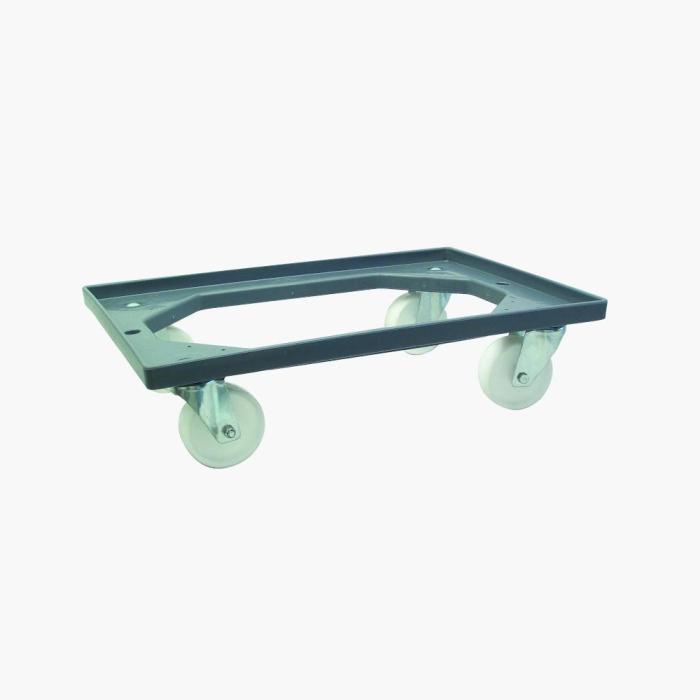
Viso E8888 Furniture Mover: The Ultimate Guide
9 August 2026
Tired of dragging heavy furniture and risking your back? The furniture mover has become an indispensable ally for any home or workshop. In this complete guide, we tell you everything s
Read more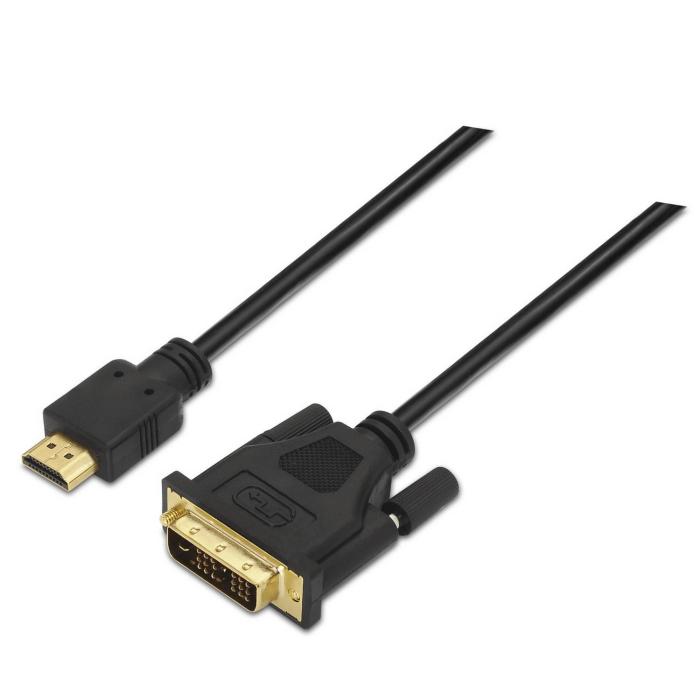
Aisens High-Quality HDMI Cable for a Stable Connection
8 August 2026
HDMI cables are essential for connecting televisions, computers and games consoles. Aisens is a brand known for delivering high-quality, reliable cables. Here are their features and benefits.
Read more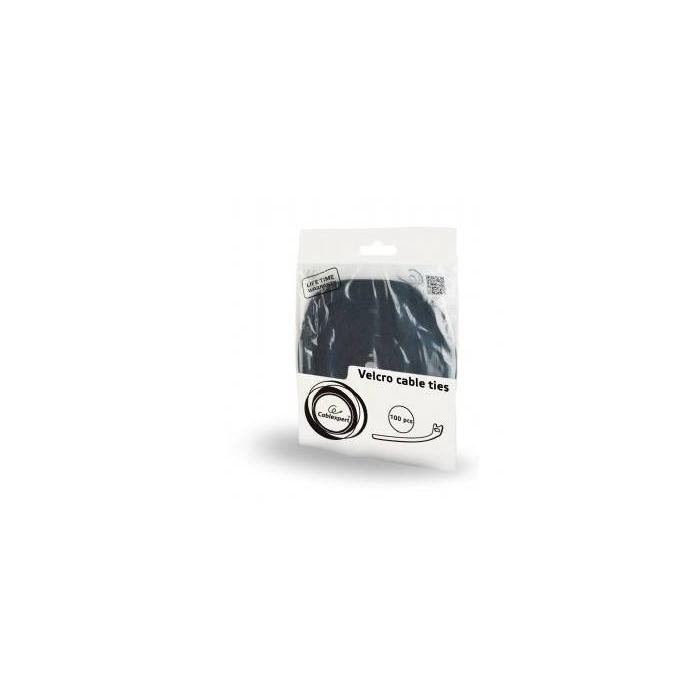
210x12: High-quality cable ties for your computer
7 August 2026
Finding high-quality components for your computer can be tedious, especially for small accessories like cable ties. Gembird's 210x12 cable ties offer a reliable solution.
Read more