





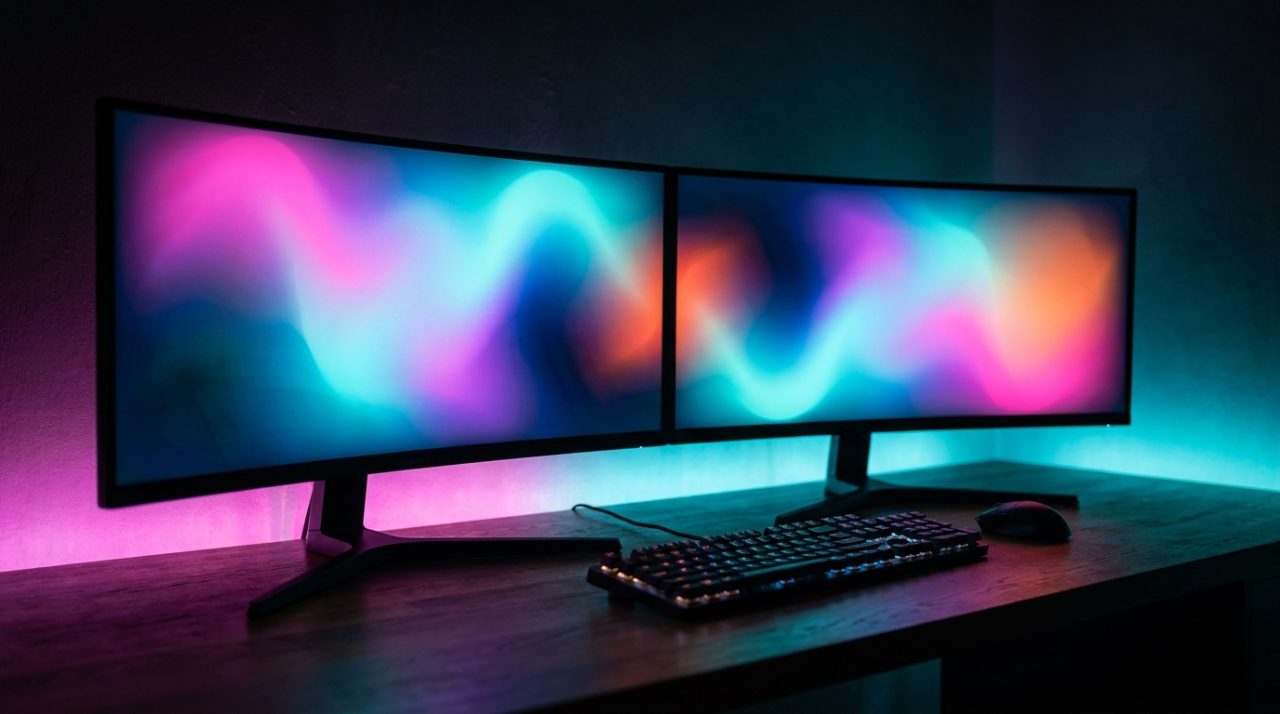
Best Gaming Monitors 2026: The Ultimate Guide to Choosing
3 August 2026
If you're looking for the best gaming monitors 2026, you've come to the right place. This year brings key advancements in OLED panels, ultra-fast refresh rates and resolutions that will make a difference in your gaming experience. In this definitive guide, we'll explain everything you need to know: from panel technologies (IPS, VA, OLED) to connectivity, ideal size and quality-price ratio. Whether you're a competitive esports player or a fan of AAA titles with demanding graphics, you'll find the keys to choosing the perfect monitor here. In the end, you'll discover how at Probyte we have the model that suits your setup and budget.
Types of panels in gaming monitors 2026
When looking for a gaming monitor, one of the most important aspects to consider is the type of panel. IPS, VA, and OLED panels are the most common nowadays, each with their own advantages and disadvantages.
IPS panels
IPS (In-Plane Switching) panels are characterised by their excellent image quality, with vivid colours and a wide viewing angle. They are ideal for games that require high colour accuracy, such as strategy games or simulators. However, they can have a slightly higher response time than VA panels.
VA panels
VA (Vertical Alignment) panels offer a higher contrast ratio than IPS panels, resulting in darker images and deeper blacks. This makes them ideal for games with dark environments or those that require a high level of immersion. However, they can suffer from a more limited viewing angle than IPS panels.
OLED panels
OLED (Organic Light-Emitting Diode) panels are known for their excellent image quality, with vivid colours and an almost infinite contrast ratio. They offer a very wide viewing angle and a very fast response time. However, they are more expensive than IPS and VA panels, and can suffer from screen burn if static images are displayed for extended periods.
In summary, the choice of panel type will depend on the gaming style and personal preferences. Players who seek high image quality and colour accuracy may prefer IPS panels, while those who seek greater immersion and a higher contrast ratio may prefer VA or OLED panels.
Refresh Rate and Response Time: Key to 2026
The refresh rate and response time are fundamental in gaming monitors to offer an uninterrupted experience without unwanted effects such as tearing or ghosting.
Refresh Rate: What is the Ideal One?
In 2026, refresh rates range from 144 Hz to 540 Hz, each designed for different needs and types of games. Monitors with 144 Hz are suitable for most games, while those with 240 Hz or higher are ideal for high-speed and competitive games.
Response Time: Speed and Clarity
The response time, measured in milliseconds (ms), determines how quickly the image on the screen can be updated. A response time of 1 ms or lower is essential to minimize ghosting and ensure smooth movements in fast-paced games.
Relationship between Refresh Rate and Response Time
A high refresh rate combined with a low response time offers the best gaming experience. Players can enjoy fluid and crisp graphics, which can be a significant advantage in competitive games.
Examples of Ideal Combinations
| Refresh Rate | Response Time | Recommended Use |
|---|---|---|
| 144 Hz | 1 ms | General games and esports |
| 240 Hz | 0.5 ms | High-speed and competitive games |
| 540 Hz | 0.2 ms | Extremely fast and professional games |
In summary, for 2026, looking for monitors with high refresh rates and low response times is crucial for an optimal gaming experience. Players should consider their specific needs and the type of games they play when selecting the right monitor.
Screen Resolution and Size: 4K, QHD, or Full HD?
When choosing a gaming monitor, screen resolution and size are crucial factors that depend on several elements, such as your computer's hardware and the distance you sit from the screen.
Available Resolutions
There are several resolutions available on the market, each with its own advantages:
- Full HD (1080p): Ideal for gamers with more affordable hardware and shorter viewing distances.
- QHD (1440p): Offers a balance between image quality and performance, making it a great choice for many gamers.
- 4K (2160p): The highest resolution, requiring powerful hardware to run at high frame rates.
Screen Size
Screen size also influences the gaming experience:
| Screen Size | Recommended Resolution |
|---|---|
| 24-25 inches | Full HD or QHD |
| 27 inches | QHD or 4K |
| 32 inches or larger | 4K |
Additional Considerations
When deciding between these options, you should also consider the distance you sit from the monitor and the level of detail you want in your games. A larger size or higher resolution can provide a more immersive experience, but it requires capable hardware to handle it without sacrificing performance.
Synchronisation technologies: G-Sync, FreeSync and VRR
Synchronisation technologies are essential for preventing screen tearing and stuttering on gaming monitors. Below are the most notable options:
G-Sync
G-Sync is NVIDIA's synchronisation technology, which eliminates screen tearing and reduces response time. It delivers a smooth, fluid gaming experience, especially in graphically intensive games.
FreeSync
FreeSync is AMD's synchronisation technology, offering a similar experience to G-Sync. Both technologies aim to reduce screen tearing and improve the overall gaming experience.
VRR (Variable Refresh Rate)
VRR is a technology that allows the monitor's refresh rate to adapt to the game's frame rate. This reduces screen tearing and improves the overall gaming experience.
| Technology | Developer | Functionality |
|---|---|---|
| G-Sync | NVIDIA | Eliminates screen tearing and reduces response time |
| FreeSync | AMD | Offers a similar experience to G-Sync |
| VRR | Variable | Adapts the monitor's refresh rate to the game's frame rate |
In summary, synchronisation technologies such as G-Sync, FreeSync and VRR are essential for improving the gaming experience on gaming monitors. By choosing a monitor with one of these technologies, gamers can enjoy a smoother, more fluid experience.
Essential connectivity and ports in 2026
Connectivity is a fundamental aspect of gaming monitors, as it determines compatibility with your devices and the quality of the video signal. In 2026, gaming monitors need to feature a range of ports and technologies to get the most out of your devices.
HDMI 2.1: the ideal connection for consoles
HDMI 2.1 is the latest connection standard and offers much higher data transfer speeds than its predecessors. This enables 4K resolution at 120 Hz and reduced latency, making it ideal for gaming on next-generation consoles.
DisplayPort 2.0: the choice for PC gaming
DisplayPort 2.0 is the preferred option for PC gamers, offering even higher data transfer speeds than HDMI 2.1. This supports 5K resolution at 60 Hz and plenty of bandwidth for connecting multiple monitors at once.
USB-C: the versatile connection
USB-C is a versatile port that can be used to connect peripheral devices such as mice and keyboards, and can also be used as a video output. This makes it an excellent choice for those who need to connect multiple devices to their monitor.
| Port | Description | Transfer speed |
|---|---|---|
| HDMI 2.1 | Video and audio connection for consoles | Up to 48 Gbps |
| DisplayPort 2.0 | Video connection for PC | Up to 77 Gbps |
| USB-C | Versatile connection for peripheral devices and video output | Up to 10 Gbps |
In short, to get the most out of your next-generation console or PC, you will need a monitor with HDMI 2.1, DisplayPort 2.0 and USB-C. These ports will let you enjoy a smooth, lag-free gaming experience, with a resolution and refresh rate suited to your needs.
Value for money: the best gaming monitors 2026 for every budget
Value for money is key when choosing the best gaming monitor for your needs. In 2026, there are options available for every budget, from budget-friendly choices to premium ranges with cutting-edge technology.
Budget options
Budget gaming monitors typically offer a 144 Hz refresh rate, Full HD resolution and TN or IPS panels. These options are ideal for gamers looking for a basic gaming experience without spending too much.
Mid-range options
In the mid-range, we find monitors with QHD resolution, 165 Hz refresh rate and IPS or VA panels. These options offer better image quality and greater in-game fluidity, making them suitable for gamers seeking a more immersive experience.
Premium options
For the most demanding gamers, premium gaming monitors offer 4K resolution, 240 Hz refresh rate and OLED panels. These options deliver exceptional image quality and extremely high refresh rates, making them ideal for those seeking the best possible gaming experience.
| Category | Features | Approximate price |
|---|---|---|
| Budget | Full HD, 144 Hz, TN/IPS | 200-300€ |
| Mid-range | QHD, 165 Hz, IPS/VA | 400-600€ |
| Premium | 4K, 240 Hz, OLED | 1000-1500€ |
In short, choosing the best gaming monitor for every budget depends on individual needs and preferences. By considering factors such as resolution, refresh rate and panel type, it is possible to find a monitor that offers the right value for money for an exceptional gaming experience.
Frequently Asked Questions
We answer the most common questions about gaming monitors in 2026. Here are some of the most frequently asked questions:
What is the difference between a curved and a flat panel?
A curved panel offers a deeper immersion, while a flat panel is ideal for multiple users or for those who prefer a more traditional screen.
Is an HDR monitor necessary for gaming?
HDR (High Dynamic Range) significantly improves visual quality, delivering a more realistic experience, but it is not strictly necessary for all games.
Why is adjustable height important on a gaming monitor?
Adjustable height allows you to customise the monitor's position for greater comfort and to reduce strain on your neck and eyes during long gaming sessions.
What is the benefit of having multiple connectivity ports on a gaming monitor?
Having multiple connectivity ports, such as HDMI, DisplayPort and USB, allows you to connect several devices at the same time, making multitasking and connecting accessories easier.
How does the refresh rate affect the gaming experience?
A higher refresh rate, such as 144Hz or 240Hz, reduces motion blur and improves smoothness, which is especially beneficial in fast-paced and competitive action games.
Can a gaming monitor be used for office work and graphic design?
Yes, gaming monitors typically offer excellent image quality and features that are also useful for office work and graphic design, such as good colour accuracy and high resolution.
Choosing the right monitor can transform the way you play. At Probyte we stock the best 2026 gaming monitors from leading brands such as ASUS, LG, Samsung and MSI, with personalised advice and fast delivery. Don't wait any longer: visit our online store or contact our team to find the monitor that suits you. Improve your gaming experience today with Probyte!
Latest posts
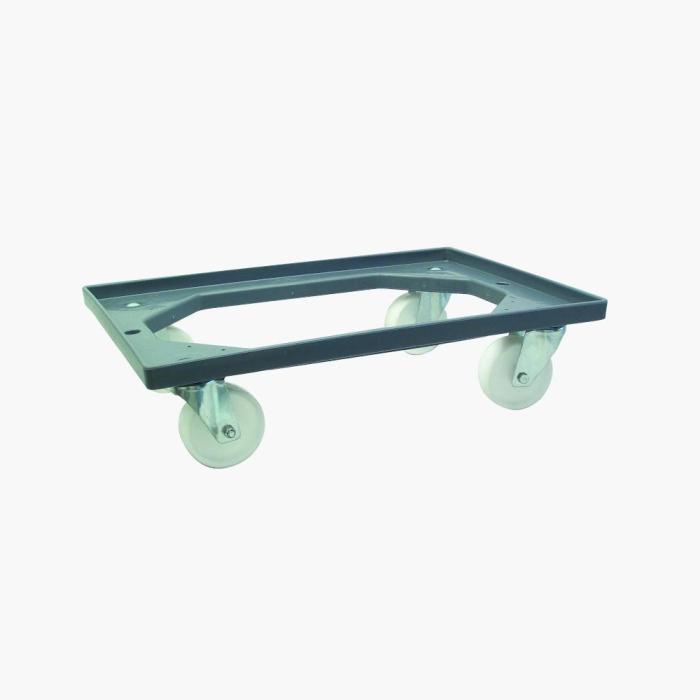
Viso E8888 Furniture Mover: The Ultimate Guide
9 August 2026
Tired of dragging heavy furniture and risking your back? The furniture mover has become an indispensable ally for any home or workshop. In this complete guide, we tell you everything s
Read more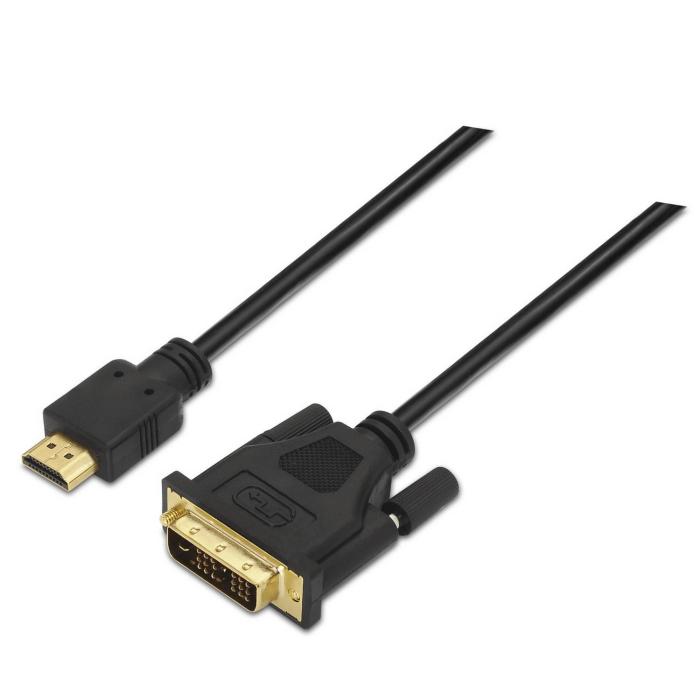
Aisens High-Quality HDMI Cable for a Stable Connection
8 August 2026
HDMI cables are essential for connecting televisions, computers and games consoles. Aisens is a brand known for delivering high-quality, reliable cables. Here are their features and benefits.
Read more
210x12: High-quality cable ties for your computer
7 August 2026
Finding high-quality components for your computer can be tedious, especially for small accessories like cable ties. Gembird's 210x12 cable ties offer a reliable solution.
Read more