





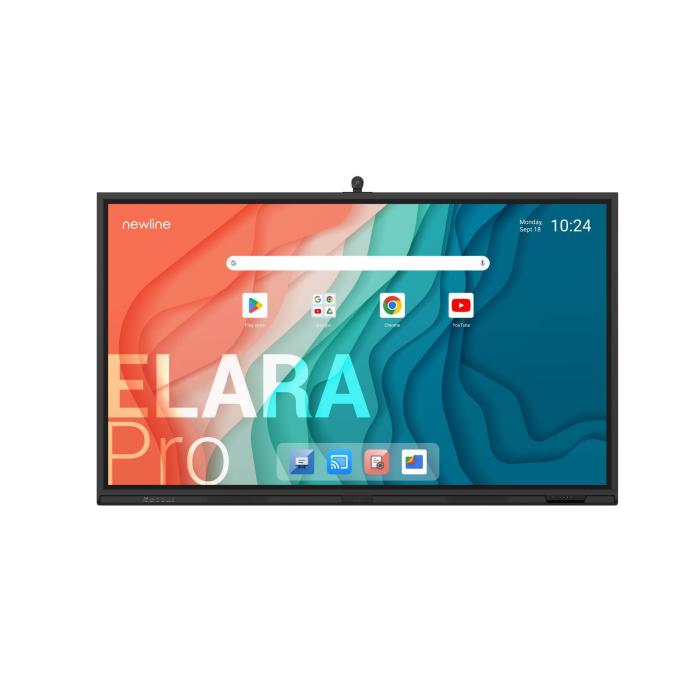
Newline Elara Pro 86" 4K: The interactive whiteboard transforming your classroom
4 September 2026
What is the Newline Elara Pro and why is it revolutionising teaching?
The Newline Elara Pro is an 86-inch (2.18 metres) interactive whiteboard with 4K resolution (3840×2160 pixels) that combines the functionality of a traditional whiteboard with the advantages of a state-of-the-art touch panel. Its sleek black design and high-precision touchscreen make it the perfect tool for classrooms, boardrooms, and collaborative spaces.
Unlike conventional digital whiteboards that require projectors and image calibration, the Elara Pro integrates everything into a single device: no lamps, shadows, or adjustments needed. Simply switch it on and start working. Its touchscreen recognises up to 50 simultaneous touch points, allowing multiple students or participants to interact at once without the system freezing. Moreover, its 4K resolution ensures text and images remain sharp from any angle in the classroom.
Another key strength is its built-in Android operating system, which makes it easy to install educational apps without the need for an external PC. And if you need more power, connect a laptop or desktop computer via HDMI and work with your favourite programmes.
At Probyte, we understand the importance of a sound technology investment. That is why, in this guide, we take an in-depth look at the features of the Newline Elara Pro interactive whiteboard so you know exactly what it offers before making your decision.
Key features of the Newline Elara Pro 86"
4K display and advanced touch technology
The Newline Elara Pro features an 86-inch panel with 4K UHD resolution (3840×2160 pixels). This means you can display minute details of diagrams, maps, or formulas without them appearing blurry. The multi-touch technology provides 1 mm precision, ideal for writing with the stylus or your finger.
Unlike some interactive whiteboards that only respond to a special pointer, the Elara Pro reacts to any object: a finger, a marker, or even an eraser. This makes classroom interaction easier, as it does not require expensive peripherals.
Android operating system and connectivity
The board runs on Android, allowing you to install educational apps on its built-in Android 13. It also includes HDMI, USB, and network ports, as well as wireless connectivity for projecting your laptop, tablet, or smartphone screen without cables.
Annotation and collaboration software
It includes integrated software that lets you write over any content, take screenshots, and save or share your work. The annotation tool is intuitive: you can choose from several colours and stroke thicknesses, and your notes overlay on the projected image, perfect for explaining concepts in real time.
Integrated sound and durability
The Elara Pro features two 20 W speakers and a 20 W RMS subwoofer that ensure clear audio for videos or video conferencing without the need for external speakers. The panel has a 7H-hardness tempered glass surface that protects it from knocks and scratches, ideal for daily use in educational or corporate environments.
Comparison: Newline Elara Pro vs. Other Interactive Whiteboards
| Feature | Newline Elara Pro 86" | Projector-Based Digital Whiteboard | Interactive Tablet |
|---|---|---|---|
| Resolution | 4K (3840×2160) | HD (1920×1080) | Variable (Full HD) |
| Size | 86" (2.18 m) | 70"–100" | 55"–65" |
| Touch Technology | Multi-touch (50 points) | Touch on projection (prone to miscalibration) | Capacitive touch |
| Operating System | Integrated Android | Depends on connected PC | Android/proprietary |
| Installation | Wall mount (VESA 800 x 400) or stand, self-contained | Requires projector and mounting | Mobile or wall-mounted |
| Sound | Integrated speakers (2 × 20 W) + 20 W subwoofer | Occupies HDMI port for external audio | Basic speakers |
| Durability | Tempered glass, 7H hardness | Sensitive to ambient light | Fragile |
| Indicative Price | Higher | More affordable | Intermediate |
Note that the Newline Elara Pro stands out for its sharp image, durability, and independence from a projector. Although the initial cost is higher, you save in the long run on lamps and typical projector maintenance.
How do I install and configure the Newline Elara Pro?
Mounting options
The board can be fixed to the wall using an 800 x 400 mm VESA mount or you can purchase a mobile stand with wheels if you prefer to move it between classrooms. Installation is straightforward: two people can do it in under 30 minutes. It is important to ensure that the wall can support the weight (65 kg).
First start-up
Connect the power cable, press the power button and follow the initial set-up steps: language, Wi-Fi connection and system updates. Within 10 minutes you will have the board up and running.
Connecting your computer
Use an HDMI cable from your laptop to the board and, if you need the touch panel to control the computer, also connect a USB cable. You will immediately be able to touch the screen and operate your PC as if it were a large tablet.
Calibrating if necessary (only when using an external input)
Although the default calibration is accurate for Android mode, if you connect a PC with a different resolution, you can adjust the touch alignment in the settings menu. This is usually only needed once.
Use cases: classroom, business, and creativity
In education
Teachers can project textbooks, educational videos, or presentations and write on top of them with digital markers. The panel facilitates remote lessons, and students can participate from their own devices through the wireless screen sharing option.
In business meetings
Perfect for boardrooms: present charts, analyse reports, and collaborate in real time with remote colleagues. The ability to save all annotations and send them by email makes decision-making more efficient.
For creative and design teams
The 4K resolution and pen accuracy allow you to sketch drafts, review designs with clients, and make adjustments on the fly, without needing to print plans.
Frequently Asked Questions
Is it compatible with Windows, Mac or Linux?
Yes. As it works as an external touch monitor, it is compatible with any operating system that recognises USB HID and HDMI. It works Plug & Play with Windows, macOS (although some gestures require additional setup) and Linux.
What does the purchase package include?
The unit ships with the Newline Elara Pro 86" board, the digital pen and the user documentation, and the panel supports 800 x 400 mm VESA mounting. Check the product page for the exact box contents before you buy.
Can I use it without an external computer?
Yes. The board has an integrated Android system with a web browser and document viewer. This allows you to give presentations or browse the internet without connecting any PC.
What is the warranty?
The Newline Elara Pro is covered by the manufacturer's warranty against manufacturing defects. Check the current term and conditions on the product page or in Probyte's terms of sale before you buy.
How is the software updated?
The board updates automatically via Wi-Fi when new versions of the operating system or firmware are available, similar to an Android tablet. You can also do it manually from the Settings menu.
Conclusion: the Newline Elara Pro is worth it
If you are looking for an all-in-one solution for interactive classrooms or meeting rooms, the 86" Newline Elara Pro is one of the best options on the European market. Its combination of a 4K display, 50-point touch, built-in Android and robustness make it a long-term investment that improves collaboration and teaching.
Although its price is higher than that of a projector whiteboard, the immediate benefits in clarity, ease of use and durability justify the outlay. Furthermore, as there are no lamps to replace or maintenance costs, you save money over time.
Ready to make the leap? Click the link to see the full spec sheet for the Newline Elara Pro at Probyte, check the current price in euros and take advantage of buying from a specialist store. Transform the way you teach or work today.
Latest posts
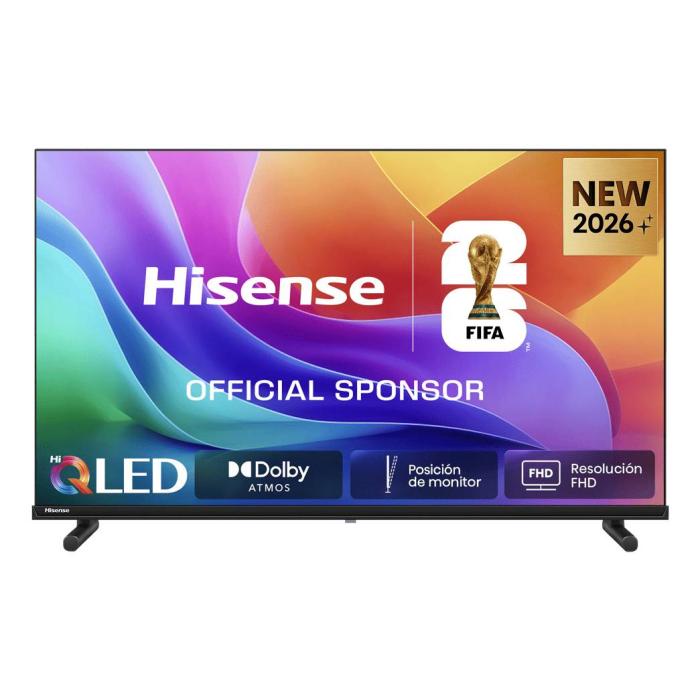
Hisense 32A5S Width in cm - Full Dimensions & Specs
4 September 2026
Need the Hisense 32A5S width in cm? We detail all dimensions, ideal spaces, and mounting tips. Discover if this 32-inch TV fits your room. Read more!
Read more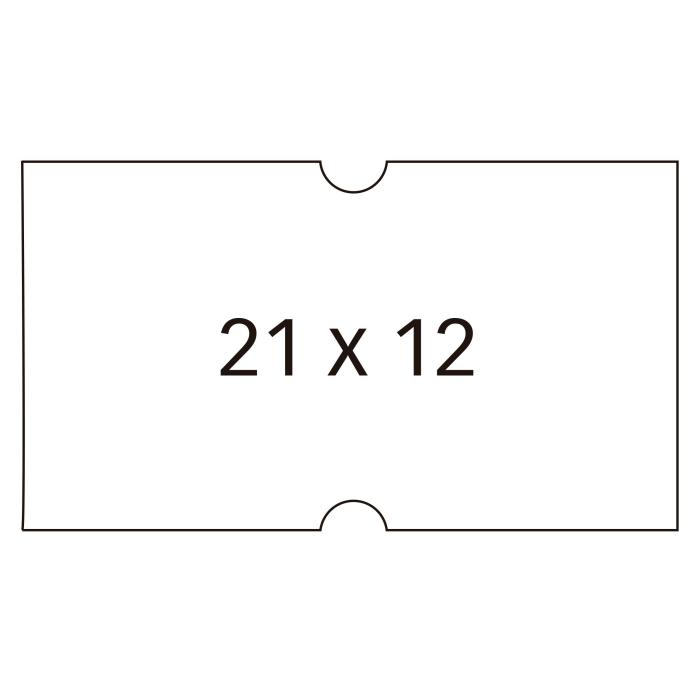
APLI Labels: Quality and Price for Your Office
4 September 2026
Looking for reliable labels to organise your office, files or products? APLI labels are the top choice for thousands of professionals and households across Europe, offering a comprehensive range of sizes and strong adhesion.
Read more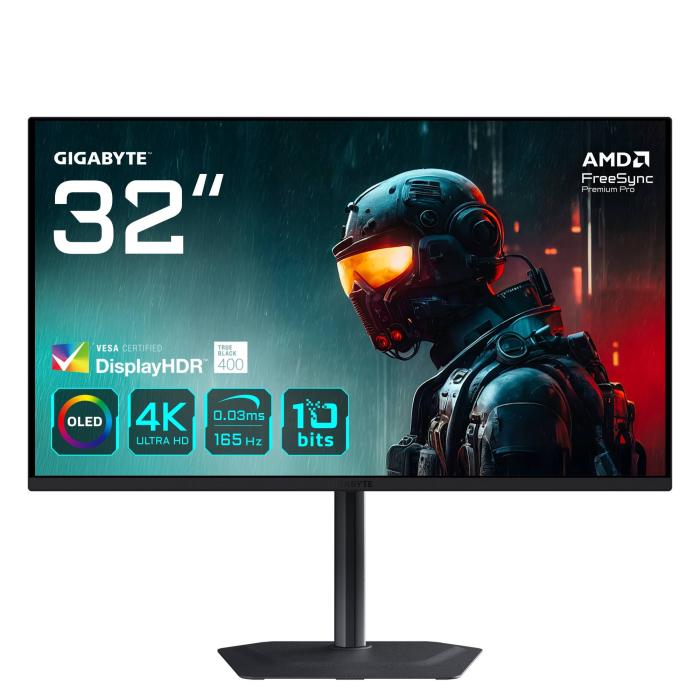
Gigabyte MO32U 4K OLED Gaming Monitor | Analysis and Guide
4 September 2026
Looking for a monitor that immerses you in your favourite games with deep blacks and silky-smooth motion? The Gigabyte MO32U is the answer: a 31.5-inch 4K OLED panel at 165 Hz and 0.03 ms.
Read more